When you see your Nest Thermostat blinking different colors, it’s easy to worry that something is wrong. These small lights are actually the device’s way of talking to you. They tell you about its status, if there’s a problem, or when it needs your help. Understanding these signals can save you time, frustration, and sometimes even money on unnecessary service calls.
Let’s look at what each blinking light means, why it happens, and how you can fix common issues yourself. Whether you’re a new Nest user or you’ve had your device for years, this guide will help you decode those mysterious lights and keep your home comfortable.
What Do Nest Thermostat Lights Mean?
The Nest Thermostat uses a small LED light above the display. The color and pattern—solid, blinking, pulsing—each have a special meaning. Here’s a quick overview of what the colors usually indicate:
- Green: System is updating, restarting, or shutting down.
- Yellow: Problem with the network or power.
- Red: Power issue—thermostat may be shutting down.
- White: Device is starting up.
You may also see blinking, pulsing, or steady lights. Blinking often means action is happening or required. Pulsing means the device is waiting or in standby.
Common Nest Thermostat Blinking Light Patterns
Understanding the pattern helps you know what to do next. Here’s a breakdown of the most common blinking lights and their typical causes.
| Light Color | Blinking Pattern | Meaning |
|---|---|---|
| Green | Blinking | Updating software or restarting |
| Yellow | Blinking | Network or power issue |
| Red | Blinking | Low power or charging |
| White | Blinking | Startup process |
Green Light Blinking
A blinking green light often means the Nest is updating or restarting. This is normal behavior and usually stops after a few minutes. If it continues for more than 10 minutes, something may be wrong.
Yellow Light Blinking
A yellow blinking light signals a network or power issue. You might lose Wi-Fi connection, or there could be a wiring or battery problem.
Red Light Blinking
A red blinking light is more serious. It means the thermostat is low on power and trying to recharge. If it doesn’t stop, your system might not be supplying enough power.
White Light Blinking
A blinking white light shows the device is starting up. This should only last a minute or two. If it continues, there could be a software or hardware problem.
Why Is My Nest Thermostat Blinking?
Let’s look deeper into the causes behind each light. Knowing the “why” helps you solve the problem faster.
Software Updates
Nest regularly receives software updates from Google. During this time, you’ll see a blinking green light. If you lose power or internet during the update, the process might get stuck.
Power Problems
The Nest needs a constant supply of power. If the C-wire (common wire) isn’t installed, or if your HVAC system isn’t delivering enough power, you’ll see blinking red or yellow lights.
Network Issues
If your Wi-Fi drops or the router is too far, you might get a yellow blinking light. The thermostat can’t reach Google’s servers for updates or remote control.
Hardware Faults
Rarely, a blinking light can mean a hardware fault. This could be a bad battery, a wiring issue, or a failed component inside the thermostat.
How To Fix Nest Thermostat Blinking Lights
Now let’s get practical. Here’s how to troubleshoot and solve the most common blinking light issues.
1. Green Light Stuck Blinking
If your Nest is stuck with a green blinking light for more than 10 minutes:
- Restart the device: Hold down the thermostat ring for 10 seconds until it turns off, then release.
- Wait: Let it restart. This can take several minutes.
- Check power: If it doesn’t restart, check if your HVAC system is supplying power.
2. Yellow Light Blinking
To fix yellow blinking lights:
- Check Wi-Fi: Make sure your internet is working.
- Move the router: If the signal is weak, move your router closer.
- Check power wires: Make sure the C-wire is connected.
3. Red Light Blinking
Here’s how to fix low power issues:
- Charge the thermostat: Remove it from the wall and charge with a USB cable for at least one hour.
- Check the C-wire: If your system doesn’t have a C-wire, consider adding one or using a power extender.
- Inspect wiring: Make sure all wires are secure.
4. White Light Blinking
- Let it boot: Wait a few minutes. If it keeps blinking, restart the device.
- Factory reset: If the issue continues, try a factory reset. This will erase your settings.
- Seek support: If you still have problems, contact Nest support.

Credit: www.youtube.com
When To Call A Professional
Most blinking light problems can be solved with basic steps. But sometimes, you need an expert. Call a professional if:
- The thermostat does not turn on after charging
- You see burnt or damaged wires
- The HVAC system won’t start after fixing the thermostat
- You’re not comfortable working with electrical wiring
Preventing Future Blinking Light Issues
A little maintenance can stop these problems before they start.
- Install a C-wire for stable power.
- Keep your Wi-Fi router close for a strong signal.
- Regularly check for software updates.
- Clean the thermostat’s contacts and wiring every few months.
Nest Thermostat Models And Blinking Lights
Not all Nest Thermostats use the same light patterns. Here’s a quick look at the main models.
| Model | Light Location | Common Blinking Colors |
|---|---|---|
| Nest Learning Thermostat | Above display | Green, Yellow, Red |
| Nest Thermostat E | Above display | Green, Yellow, Red |
| Nest Thermostat (2020) | Next to display | White, Orange |
Some newer models use different colors or patterns. Always check the manual for your specific device.
Real-world Examples
Let’s look at a few real-life situations.
- Example 1: Jane’s Nest showed a blinking red light during winter. She found her furnace was not running, and the thermostat battery was low. Charging the thermostat and adding a C-wire fixed her problem.
- Example 2: Mike’s device blinked green for 20 minutes after a power outage. He restarted the device, and it went back to normal.
- Example 3: Sara saw a yellow blinking light. Her Wi-Fi router was in another room. She moved the router closer, and the problem stopped.
These cases show how simple fixes often solve the issue.
Data: How Often Do Blinking Lights Happen?
Studies and support forums report that about 10–15% of Nest users experience blinking light issues each year. The most common are power and Wi-Fi problems, especially in older homes with outdated wiring.
| Issue | Percentage of Cases |
|---|---|
| Power (C-wire) issues | 55% |
| Network/Wi-Fi issues | 30% |
| Software update problems | 10% |
| Hardware faults | 5% |
Two Insights Most Beginners Miss
- Your Nest may need a C-wire even if it worked without one before. Some HVAC systems only provide enough power for the thermostat during heating or cooling. If your system runs a fan or other features, the Nest might not get enough power and show blinking red/yellow lights. Adding a C-wire or a power extender can solve this.
- A stuck update can cause endless blinking. If a software update is interrupted, your device may never finish restarting. Many people don’t realize that a simple manual restart or charging can get the thermostat back to normal.
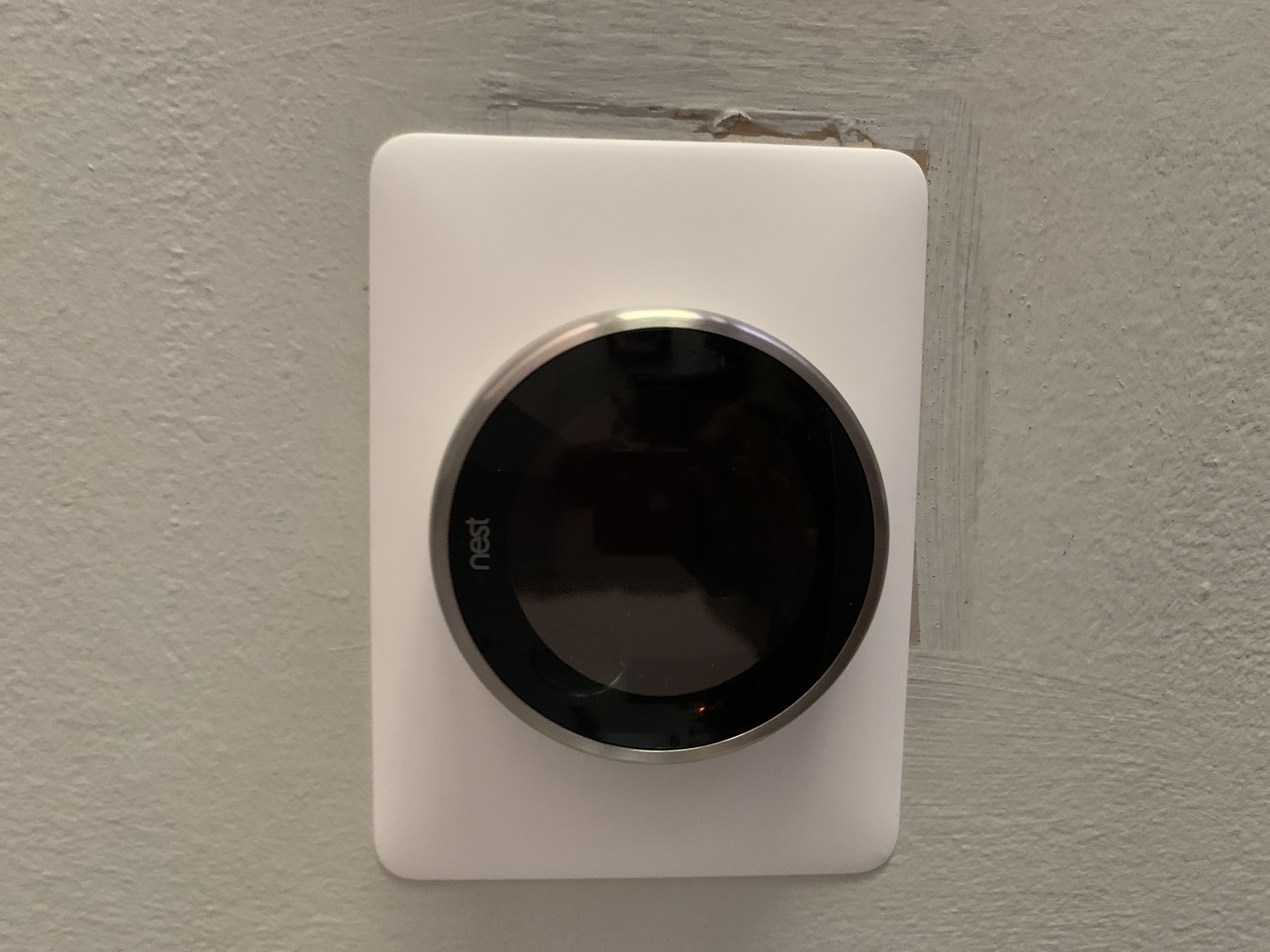
Credit: www.googlenestcommunity.com
Keeping Your Nest Thermostat Healthy
Your thermostat is a small but important part of your home. To keep it running smoothly:
- Check the wiring twice a year, especially before summer and winter.
- Clean dust from the device with a dry cloth.
- Check the Wi-Fi connection after moving your router or changing your internet provider.
- Read the Nest app for alerts—many problems are easier to fix if you catch them early.
A little attention goes a long way to prevent blinking light headaches.
Frequently Asked Questions
Why Does My Nest Thermostat Blink Green For A Long Time?
A green blinking light usually means the device is updating or restarting. If it lasts longer than 10–15 minutes, try restarting the thermostat by holding down the ring for 10 seconds. If the problem continues, check your power supply and Wi-Fi connection.
What Should I Do If My Nest Thermostat Has A Blinking Red Light And Won’t Turn On?
A red blinking light means the battery is too low. Remove the thermostat from its base and charge it with a USB cable for at least one hour. If it still won’t turn on, check your C-wire connection or consult a professional.
Can I Fix A Yellow Blinking Light On My Nest Thermostat Myself?
Often, yes. A yellow blinking light is usually a network or power problem. Check your Wi-Fi, move the router closer, or make sure the C-wire is connected. If you’re not comfortable, call a professional.
Will A Blinking Light Affect My Home’s Heating Or Cooling?
Sometimes. If the thermostat loses power, it may stop controlling your HVAC system. If you see a red or yellow light and your house isn’t heating or cooling, fix the issue as soon as possible.
Where Can I Find Official Troubleshooting Help For My Nest Thermostat?
You can visit the official Google Nest Support page for step-by-step guides, or contact their customer service for more help.
By learning what your Nest Thermostat light blinking means, you can solve small problems before they turn into big ones. With regular checks and a basic understanding of these signals, your smart thermostat will keep your home comfortable year-round.

Credit: www.reddit.com