Why is the Green Light Blinking on Your Blink Camera? (Full Guide)
Blink security cameras are popular for their easy setup and reliable performance. But when the green light on your Blink camera starts blinking, it can be confusing, even worrying. Does it mean the camera is working, or is something wrong? This guide explains what the blinking green light means, why it happens, and how you can fix it. Whether you’re new to Blink or have used it for years, you’ll learn practical steps and expert tips to keep your camera running smoothly.
What Does The Blink Camera Green Light Mean?
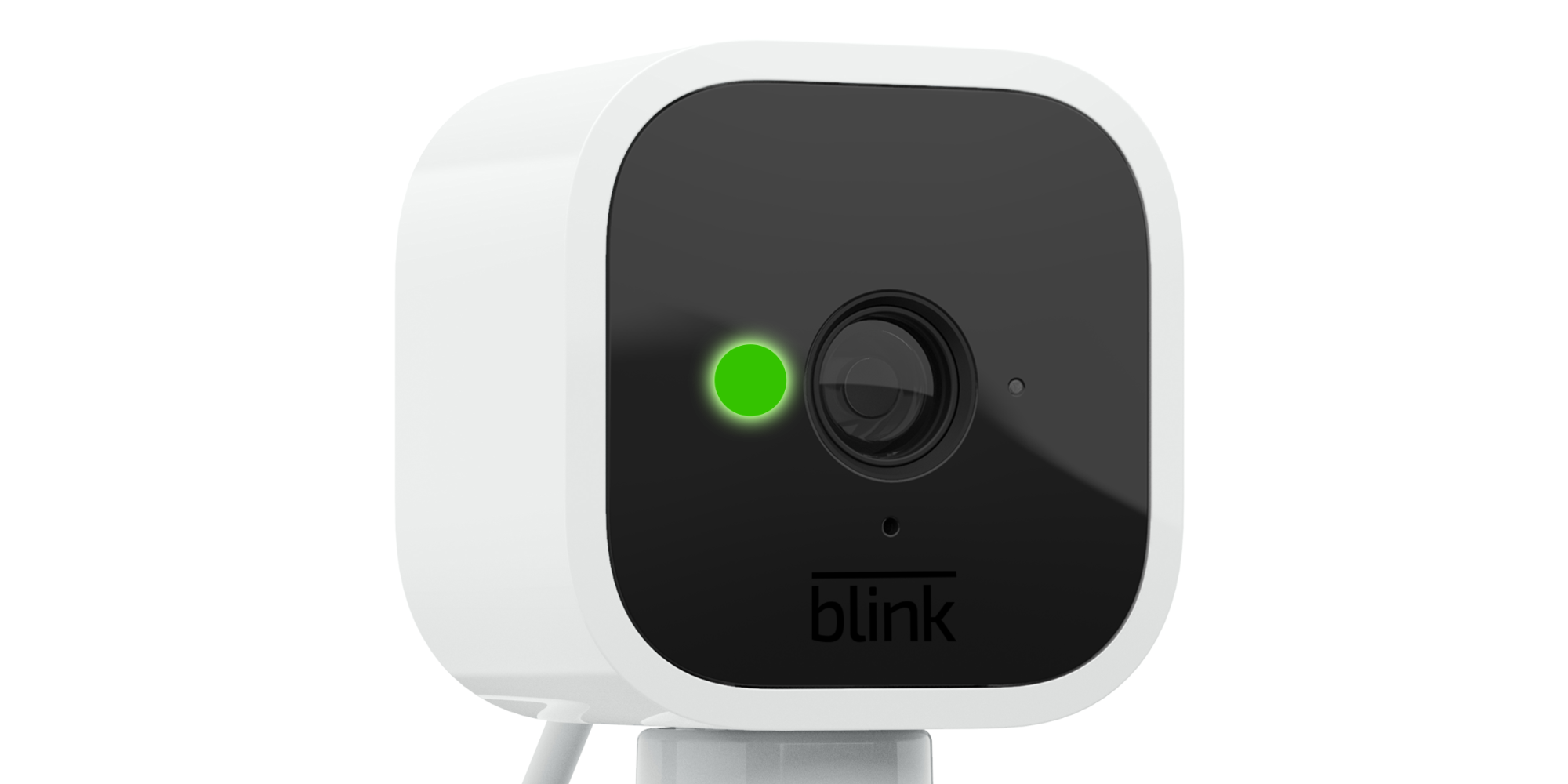
The green light indicator on Blink cameras is a simple signal, but the meaning changes with how it blinks.
- Solid green light: Your camera is powered and connected to Wi-Fi.
- Blinking green light: The camera is trying to connect, but something isn’t right.
Most Blink cameras use a LED light to show their status. When the green light blinks, it usually means the camera is having trouble connecting to your Wi-Fi network. Sometimes, it can signal other issues, like a setup problem or low battery. Understanding these signals helps you fix problems faster.
Common Causes Of Green Light Blinking
A blinking green light isn’t always a sign of a big problem. Here are the main reasons why it happens:
1. Wi-fi Connection Issue
If your camera can’t connect to Wi-Fi, the green light blinks. This is the most common cause.
2. Camera Setup Error
During installation, if the camera fails to link with the Blink app or Sync Module, you’ll see the blinking green light.
3. Low Battery
Low battery power can sometimes cause the light to blink, especially on battery-powered models.
4. Firmware Update
Blink cameras update automatically. Sometimes, the blinking light means the camera is updating.
5. Network Interference
If there are many devices on your network or signal is weak, your camera may lose connection and blink green.
6. Sync Module Problems
If the Sync Module (the device that connects multiple Blink cameras) is offline, cameras may blink green while searching for connection.
Credit: screenrant.com
How To Fix The Blinking Green Light
Solving this issue doesn’t require advanced skills. Follow these steps to get your Blink camera working again.
1. Check Wi-fi Signal And Router
Most blinking green light problems are due to poor Wi-Fi signal. Here’s what to do:
- Move your camera closer to the router
- Restart your router and camera
- Make sure your router uses the 2.4 GHz band (Blink cameras don’t support 5 GHz)
A strong Wi-Fi signal can solve the blinking light issue for most users.
2. Reconnect Camera In The Blink App
If the camera lost connection, try reconnecting:
- Open the Blink app
- Tap on the camera with the blinking green light
- Follow the prompts to reconnect to Wi-Fi
If the camera won’t reconnect, remove it from the app and add it again.
3. Check Sync Module Status
The Sync Module is key for Blink systems with multiple cameras. If it’s offline:
- Unplug and replug the Sync Module
- Check if the green and blue lights are solid (not blinking)
- Reconnect the Sync Module in the Blink app
If your Sync Module isn’t working, none of your cameras will connect properly.
4. Change Batteries
Low battery can cause connection problems. Replace with AA lithium batteries for best results. Avoid using regular alkaline batteries, as they run out faster and may cause issues.
5. Update Firmware
Sometimes, the green light blinks during updates. Wait for 5–10 minutes. If it continues, restart the camera and Sync Module.
6. Reduce Network Interference
If you have many devices connected, disconnect unused ones. Place the camera away from metal objects, microwaves, or thick walls. These can block Wi-Fi signals.
7. Reset Camera To Factory Settings
If nothing works, a factory reset can help:
- Press and hold the reset button (usually located near the battery compartment) for 10–15 seconds
- Wait for the camera to restart
- Set up the camera again in the Blink app
Note: Resetting will erase previous settings. You’ll need to reconnect to Wi-Fi and Sync Module.
Blink Camera Models And Green Light Patterns
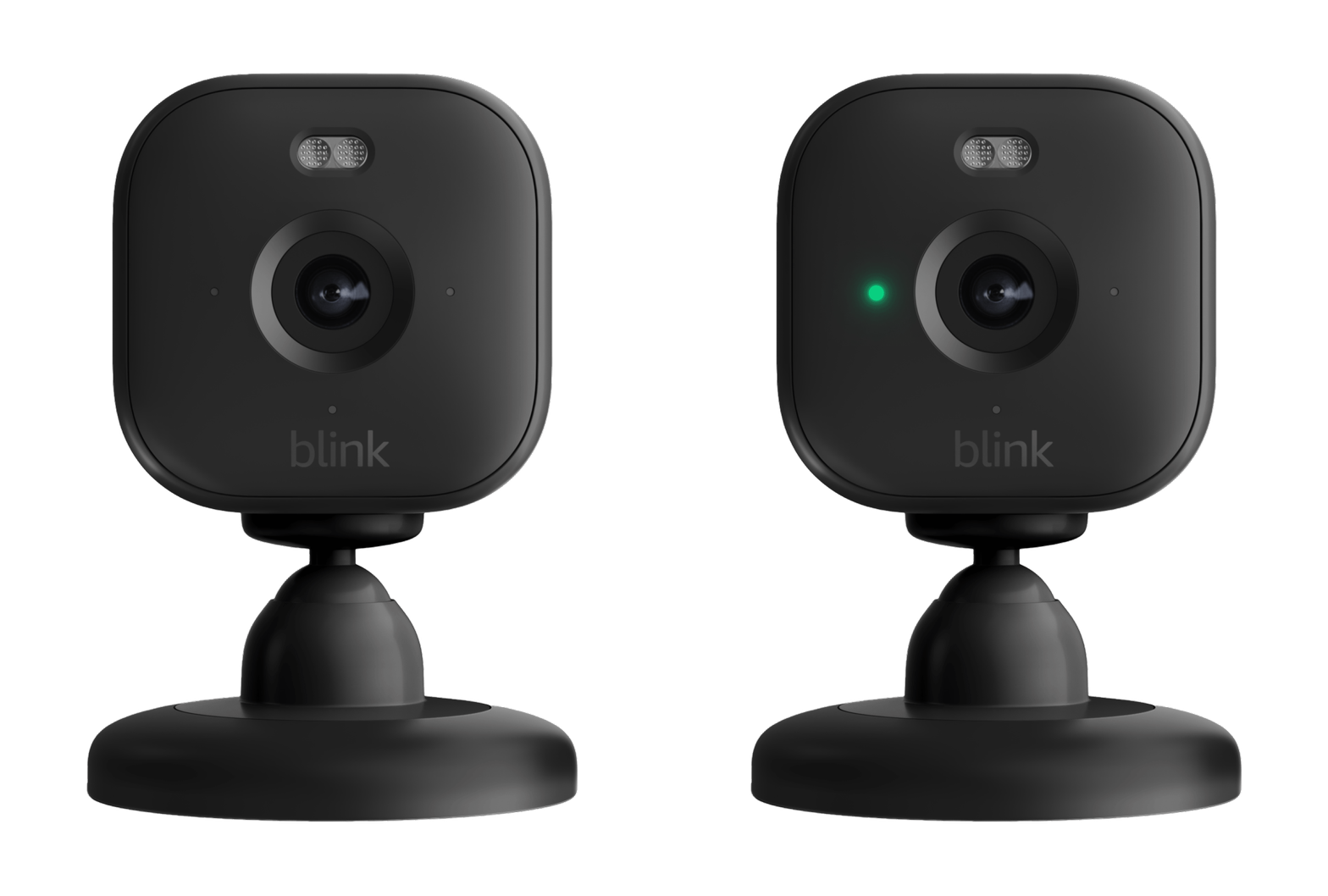
Different Blink cameras may show blinking green lights in slightly different ways. Here’s a quick comparison:
| Model | Green Light Signal | Common Cause |
|---|---|---|
| Blink Indoor | Blinks rapidly | Wi-Fi loss, low battery |
| Blink Outdoor | Blinks slowly | Network interference |
| Blink Mini | Blinks during setup | Setup error, firmware update |
| Blink Video Doorbell | Blinks when offline | Sync Module offline |
Knowing your camera’s model helps you understand the blinking pattern and fix issues faster.
Credit: support.blinkforhome.com
Practical Tips For Preventing Green Light Blinking
You can avoid most blinking light problems by following these simple tips:
- Place cameras within 10–20 feet of your Wi-Fi router
- Use high-quality batteries (lithium recommended)
- Keep your Blink app updated
- Limit the number of devices using your Wi-Fi
- Install cameras away from thick walls or metal surfaces
- Regularly restart your router and Sync Module
These steps can keep your Blink cameras working smoothly and reduce the chances of connection problems.
Is The Blinking Green Light Always A Problem?
Not always. Sometimes, the green light blinks for a few seconds when the camera starts or updates. If it stops blinking and turns solid, your camera is fine. Only if the blinking continues for more than a few minutes should you check for problems.
Troubleshooting: Step-by-step Example
Let’s look at a real-world scenario. Suppose you install a Blink Outdoor camera, and the green light starts blinking after setup. Here’s what you might do:
- Move the camera closer to the router.
- Restart both the camera and the router.
- Check the Blink app for error messages.
- Change the batteries if the camera is battery-powered.
- Reconnect the camera in the app.
- If needed, reset the camera and set it up again.
Most users solve the problem by step 2 or 3. But sometimes, the camera needs a reset, especially after a failed firmware update.
Comparing Blink Camera Connectivity Issues
Blink isn’t the only smart camera with connectivity problems. Here’s how Blink compares to other brands:
| Brand | Common Issue | Recovery Time | User Rating |
|---|---|---|---|
| Blink | Wi-Fi drop, blinking green | 5–10 min | 4.3/5 |
| Ring | Setup failure, device offline | 10–20 min | 4.5/5 |
| Arlo | Firmware update, connection loss | 15–30 min | 4.1/5 |
Blink cameras usually recover faster from Wi-Fi issues compared to other brands, according to user reviews.

Credit: www.wikihow.com
Non-obvious Insights Most Users Miss
- Blink cameras don’t support 5 GHz Wi-Fi. Many users upgrade their routers and switch to 5 GHz, not realizing their Blink camera only works on 2.4 GHz. This is a hidden cause of blinking green lights.
- Camera placement affects signal strength more than you think. Even a few feet of movement closer to the router, or away from thick walls, can solve blinking issues.
- Firmware updates can cause temporary blinking. If your camera blinks green during an update, don’t panic—wait a few minutes before troubleshooting.
- Sync Module placement is critical. If the Sync Module is far from the router or cameras, it will cause connection problems for all linked devices.
When To Contact Blink Support
If you’ve tried all the steps and your camera still blinks green, it may be a hardware fault or a rare software bug. Contact Blink support through their app or website. They can help with warranty replacements or advanced troubleshooting.
For more technical details, you can check official resources at Blink Support.
Frequently Asked Questions
Why Does My Blink Camera’s Green Light Blink During Setup?
The green light blinks when the camera tries to connect to Wi-Fi or the Sync Module. If it keeps blinking, check your Wi-Fi settings and make sure you’re using the 2. 4 GHz band. Restart your router and try setup again.
How Long Should The Green Light Blink Before I Worry?
If the green light blinks for less than 5 minutes, it’s usually normal (like during startup or updates). If it keeps blinking longer, check for connection problems.
Can A Low Battery Cause The Green Light To Blink?
Yes, low battery power can cause blinking, especially in battery-powered models. Replace with AA lithium batteries for best performance.
What Does It Mean If Both Green And Blue Lights Are Blinking On The Sync Module?
This usually means the Sync Module lost connection to Wi-Fi. Unplug it, wait 10 seconds, then plug it back in. If the lights don’t turn solid, reconnect it in the Blink app.
Is The Blinking Green Light A Security Risk?
No, it just means the camera isn’t recording or streaming video until it reconnects. But if it stays offline, you won’t get alerts or footage, so fix the issue as soon as possible.
Blink cameras are designed for easy use, but the blinking green light can be confusing. With the steps and tips above, you can quickly solve most issues and keep your home safe. If problems persist, don’t hesitate to reach out to Blink’s support team.
Smart camera technology keeps improving, and knowing how to troubleshoot simple issues helps you get the most from your devices.