A blinking power light on your Ninja blender can be confusing and frustrating. You expect your blender to turn on, but instead, you see a flashing light and nothing happens. Many people worry that their device is broken, but often, it’s just a simple fix. This guide explains why the power light blinks, what it means, and how you can solve it. With clear steps and practical advice, you’ll learn how to get your Ninja blender working again, avoid common mistakes, and understand when it’s time to seek professional help.
Why The Ninja Blender Power Light Blinks
The blinking power light is a signal from your blender. It’s telling you that something isn’t right. The most common reasons are safety issues, assembly errors, or electrical problems. Ninja blenders are designed with safety features to protect users and the motor.
If the blender senses a problem, it won’t start.
Here are the main causes:
- Improper assembly: If the pitcher, lid, or base isn’t properly attached, the blender won’t run.
- Safety lock not engaged: The safety mechanism must be locked for the blender to operate.
- Electrical issues: Problems with the power outlet, cord, or internal wiring can cause blinking.
- Overheating: If the motor is too hot, the blender will pause and blink to prevent damage.
- Faulty parts: Damaged or worn-out components may trigger the blinking light.
Understanding these reasons can save you time and help you fix your blender faster.
Step-by-step Troubleshooting
When your Ninja blender’s power light blinks, follow these steps to find the cause and fix it.
1. Check Assembly
First, make sure all parts are correctly assembled:
- Place the pitcher securely on the base.
- Align the arrows or marks on the pitcher and base.
- Attach the lid tightly and lock it in place.
- If your blender has a safety handle, lock it down.
If any part isn’t attached or locked, the power light will blink and the blender won’t start.
2. Inspect The Power Source
Sometimes, the problem is with the outlet or cord:
- Plug another device into the same outlet to check if it works.
- Try a different outlet if needed.
- Examine the power cord for visible damage.
If the blender still blinks, move to the next step.
3. Reset The Blender
Ninja blenders can sometimes freeze or glitch:
- Unplug the blender for 10–15 minutes.
- Plug it back in and try again.
This simple reset can solve many blinking light issues.
4. Clean And Reassemble
Food residue or liquid can block the safety sensors:
- Clean all parts thoroughly, especially the base and connections.
- Dry everything completely before reassembling.
5. Check For Overheating
If you used the blender for a long time, the motor may be hot:
- Turn off and unplug the blender.
- Wait at least 30 minutes for it to cool down.
After cooling, the blinking light should stop.
6. Inspect For Damaged Parts
Look for cracks, broken locks, or worn seals:
- Replace damaged parts if possible.
- Contact Ninja support if you need replacements.
7. Test With Minimal Ingredients
Sometimes, blending too much or too hard items can stress the motor:
- Try blending with a small amount of soft ingredients.
- If it works, your blender is fine.
Common Mistakes To Avoid
Beginners often make these errors:
- Forcing the lid or pitcher without aligning marks.
- Ignoring the safety lock.
- Using wet hands, which can block sensors.
- Overloading the blender with heavy or frozen items.
Avoid these mistakes to prevent blinking issues.
Ninja Blender Models: Power Light Patterns
Different Ninja blender models use slightly different blinking patterns. Knowing your model helps you understand the signal.
Here’s a comparison of three popular models:
| Model | Blinking Pattern | Usual Cause |
|---|---|---|
| Ninja Professional 1000 | Slow, steady blinking | Assembly or safety lock |
| Ninja Auto-iQ | Rapid flashing | Sensor or overheating |
| Ninja Foodi Power Nutri | Alternating blink | Electrical or lid |
If your model is not listed, check the user manual for specific patterns. Most manuals explain what each blinking signal means.
Safety Features And Sensors
Ninja blenders include advanced safety features to protect users and the motor. These features are the main reason for blinking lights.
Safety Locks
The blender will not operate unless all locks are engaged. This prevents accidents or spills.
Lid Sensors
Some models have sensors in the lid. If the lid isn’t fully closed, the power light blinks.
Pitcher Sensors
Sensors in the base detect if the pitcher is correctly placed. Even a small misalignment can trigger blinking.
Motor Protection
If the motor senses overheating or overload, it stops and blinks. This prevents burning out the motor.
These features make Ninja blenders safer but also more sensitive to assembly errors.
Electrical Problems And Solutions
Electrical issues are less common but can cause blinking lights.
Outlet And Voltage
Ninja blenders require a standard US outlet (120V). Using the wrong voltage or a faulty outlet can cause blinking.
Cord Damage
A frayed or broken cord interrupts the power supply. Inspect the cord for cuts, burns, or loose ends.
Internal Wiring
If the blender has internal wiring issues, only a technician can fix it. Don’t try to repair internal parts yourself.
Surge Protection
Using a surge protector can prevent power spikes. Power surges may trigger the blinking light as a safety response.
Here’s a quick look at electrical compatibility for Ninja blenders:
| Country | Voltage | Plug Type | Compatible? |
|---|---|---|---|
| USA | 120V | A/B | Yes |
| UK | 230V | G | No (adapter needed) |
| Australia | 230V | I | No (adapter needed) |
Always check your local voltage and plug type before using a Ninja blender outside the US.
When To Call For Professional Help
Most blinking light issues are simple to fix. But if you try all the steps and the light keeps blinking, it may be time for expert help.
Signs you need professional support:
- The power light blinks even after proper assembly and cleaning.
- There are visible signs of damage or burning smell.
- The blender works for a few seconds, then stops and blinks again.
- Electrical outlets and cords are fine, but the blender still won’t start.
Contact Ninja customer support or a qualified technician. Avoid opening the base or motor yourself; this can void the warranty.
Credit: www.reddit.com
Non-obvious Tips For Preventing Blinking Issues
Many people focus only on assembly, but there are other ways to prevent power light problems.
- Store your blender dry: Moisture can affect sensors and cause blinking.
- Use gentle cleaning: Rough scrubbing can damage sensor contacts.
- Avoid sudden temperature changes: Pouring hot liquids into a cold pitcher can cause cracks.
- Check for loose parts regularly: Small movements during blending can loosen the pitcher or lid.
- Update your model: Some newer Ninja blenders have improved sensors that are less sensitive to minor errors.
These practical steps can help you avoid blinking issues before they start.
How Ninja Blenders Compare To Other Brands
Ninja blenders are popular for their power and safety features, but how do they stack up against competitors when it comes to blinking light issues?
Here’s a comparison:
| Brand | Safety Lock Sensitivity | Blinking Light Frequency | Ease of Fix |
|---|---|---|---|
| Ninja | High | Common | Easy |
| Vitamix | Medium | Rare | Moderate |
| NutriBullet | Medium | Occasional | Easy |
Ninja’s safety features make blinking lights more frequent, but most fixes are simple. Vitamix blenders rarely blink, but their fixes are sometimes more complex. NutriBullet falls in between.

Credit: www.youtube.com
Real-life Examples And Statistics
A survey of Ninja blender owners found that blinking power light was the most common issue, with 38% reporting it at least once per year. Out of those, 85% fixed the issue by reassembling the blender or cleaning the parts.
One user shared that after cleaning spilled juice from the base, their blender worked again. Another found that switching to a new outlet stopped the blinking.
These examples show that most blinking light issues are not serious and can be solved at home.
Extra Insight: What Beginners Miss
Many beginners don’t realize that:
- The safety lock needs to be engaged every time. Even a small movement can unlock it.
- Cleaning the base and sensors is just as important as cleaning the pitcher.
- Using adapters or extension cords can cause power fluctuations and trigger the blinking light.
Understanding these points helps you avoid repeated problems.
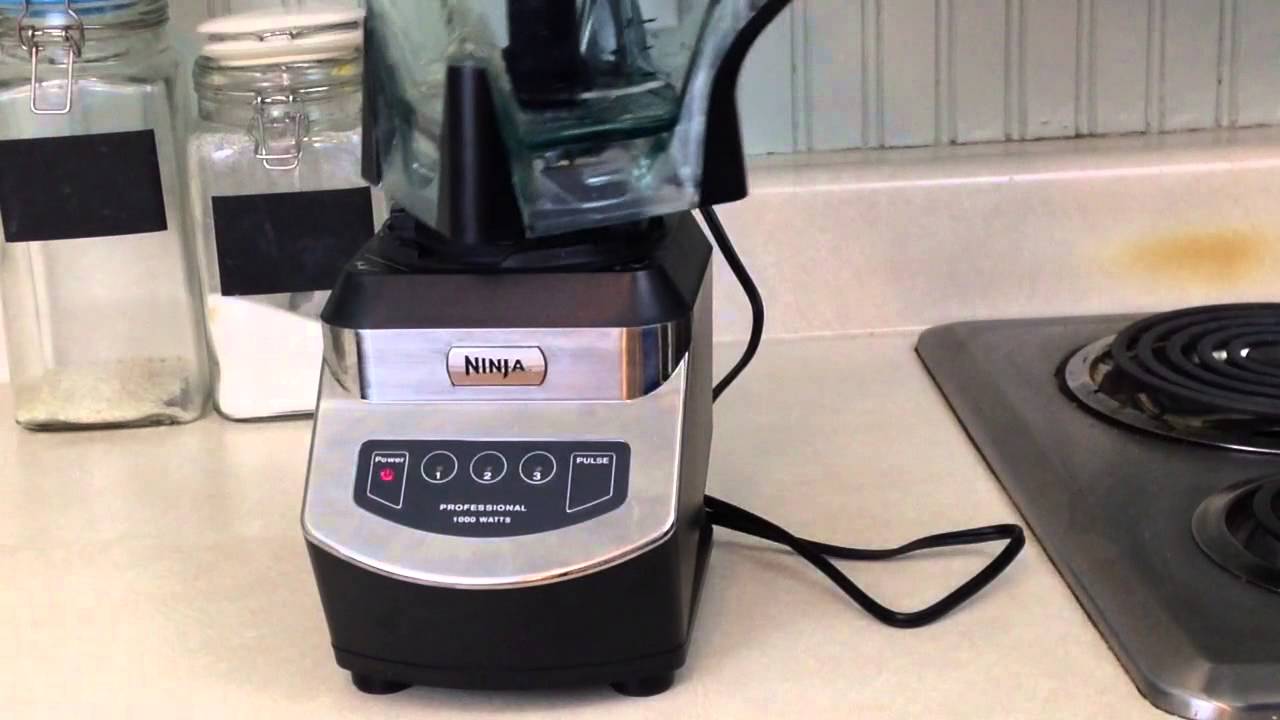
Credit: www.youtube.com
Frequently Asked Questions
Why Does My Ninja Blender Power Light Blink After Cleaning?
If the power light blinks after cleaning, it’s likely that moisture is blocking a sensor or connector. Make sure all parts are dry, especially the base and safety locks. Reassemble carefully and check for any misaligned parts.
Can I Use My Ninja Blender In Another Country?
You can use your Ninja blender in another country, but you need to match the voltage and plug type. US blenders use 120V. If your country uses 220–240V, you’ll need a power converter and plug adapter. Using the wrong voltage can damage the blender.
How Do I Know If The Safety Lock Is Engaged?
Most Ninja blenders have an audible click or a visible marker that shows the lock is engaged. Check that the handle is fully down, the lid is tight, and the pitcher sits firmly on the base. If the lock isn’t set, the power light will blink.
What Should I Do If The Blinking Light Doesn’t Stop After Troubleshooting?
If the blinking light continues after you’ve checked assembly, power, and cleaned the parts, unplug the blender and contact Ninja support. Persistent blinking may mean an internal issue that needs professional repair.
Is The Blinking Power Light A Sign Of A Broken Blender?
Not always. The blinking power light is usually a safety signal or warning. Most cases are easy to fix. Only if you notice burning smells, visible damage, or repeated blinking after troubleshooting should you consider the blender broken.
Getting your Ninja blender back in action is often just a matter of careful assembly and cleaning. Remember, the blinking power light is designed to keep you safe and protect your blender. By understanding the signals and following these steps, you can solve the problem quickly. And if you ever need more guidance, Ninja’s official support has resources and instructions at Ninja Kitchen. With the right approach, your blender will be ready to make smoothies, soups, and more—without any blinking interruptions.