If you own a Midea dehumidifier, you probably rely on it to keep your home comfortable and free from excess moisture. But what happens when the filter light starts blinking? For many users, this small blinking light can cause confusion and worry. Is it a warning? Does it mean your machine is broken? Or is it simply a reminder for routine care? If you’re searching for clear answers, practical advice, and a deeper understanding of your dehumidifier’s signals, you’re in the right place.
This article will help you decode what the filter light blinking means on your Midea dehumidifier, show you how to fix it, and explain why regular filter care is important. We’ll also cover common mistakes, troubleshooting steps, and give you reliable comparisons between Midea models and similar brands. By the end, you’ll know exactly what to do if your filter light blinks—and how to avoid problems in the future.
Why Does The Filter Light Blink?
The filter light on your Midea dehumidifier is more than just a decoration. It’s a signal from the machine, designed to help you maintain its performance and protect your health.
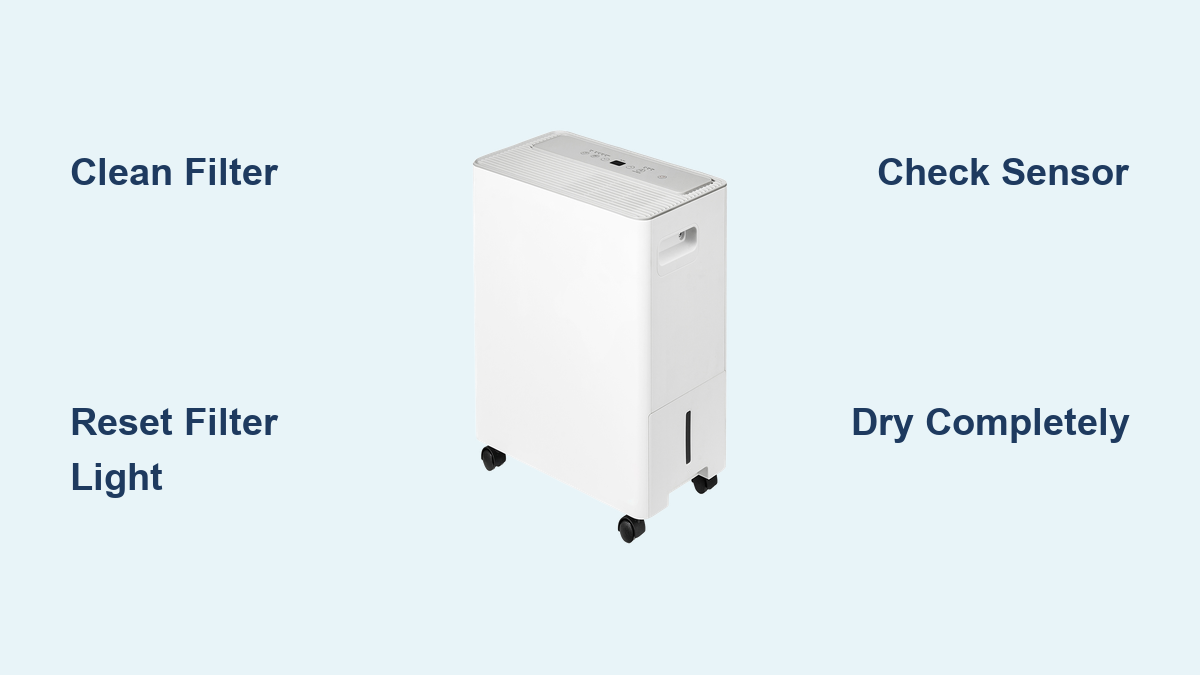
Most Midea dehumidifiers use a sensor to track how long the filter has been in use. After a set number of hours, the filter light blinks to remind you it’s time to check, clean, or replace the filter. This system ensures your dehumidifier works efficiently and keeps your indoor air healthy.
Key Reasons For Filter Light Activation
- Filter Needs Cleaning: Dust, pet hair, and other particles build up in the filter. When airflow drops, the sensor triggers the light.
- Filter Needs Replacement: If the filter is damaged or extremely dirty, it may need a new one.
- Sensor Timer Reached: Even if the filter looks clean, the timer may signal routine care.
- Sensor Error: Rarely, a faulty sensor or wiring problem triggers the light incorrectly.
Non-obvious insight: Some models blink the filter light even if the filter is not dirty, simply based on usage hours. Always check the filter’s condition before resetting the light.
How To Respond When The Filter Light Blinks
When you see the blinking filter light, don’t panic. Instead, follow these steps to solve the issue quickly and keep your dehumidifier running smoothly.
Step-by-step Action Plan
- Turn Off and Unplug: Always start by turning off and unplugging the unit for safety.
- Locate the Filter: Most Midea dehumidifiers have the filter behind a front or rear panel. Check your user manual if you’re unsure.
- Remove the Filter: Gently pull out the filter. Be careful not to bend or damage it.
- Inspect the Filter: Hold it up to the light. If you see thick dust, dirt, or discoloration, it needs cleaning or replacement.
- Clean the Filter: Use warm water and mild soap. Let it air dry completely before reinserting. Never use a wet filter.
- Reinsert the Filter: Once dry, put the filter back in its slot securely.
- Reset the Filter Light: Many Midea models require you to press and hold a button (usually “Filter” or “Reset”) for 3–5 seconds. The light should stop blinking.
Practical Example
Suppose your Midea 50-pint dehumidifier’s filter light blinks. You remove the filter and find it’s covered in pet hair. After cleaning and drying it, you reinsert and reset the light. Now, airflow improves and the machine runs quietly again.
Common mistake: Some users forget to let the filter dry fully, causing moisture to enter the unit. This can damage internal parts and reduce performance.
Comparing Midea Filter Lights To Other Brands
Different brands have their own filter warning systems. Some are more advanced; others are simpler. Understanding these differences can help you choose the right dehumidifier for your needs.
Here’s a comparison of filter light features in popular models:
| Brand | Filter Light Function | Reset Method | Sensor Type |
|---|---|---|---|
| Midea | Blinks when filter needs care | Button press (3–5 sec) | Timer-based |
| Frigidaire | Steady or blinking light | Button press (5 sec) | Timer & airflow sensor |
| Honeywell | Digital display alert | Menu selection | Airflow sensor |
| GE | Blinks after set hours | Button press | Timer-based |
Non-obvious insight: Some high-end models (like Honeywell) check actual airflow, not just hours. This can prevent false alerts and improve filter efficiency.
How Dirty Filters Affect Performance And Health
The filter in your dehumidifier does more than protect the machine—it helps safeguard your health. When the filter is dirty, several problems can occur:
- Reduced Efficiency: Dust blocks airflow, making the unit work harder. This increases energy use and can cause overheating.
- Poor Air Quality: A clogged filter lets dust, mold, and allergens circulate back into your room.
- Shorter Lifespan: The motor and compressor strain more, leading to faster wear and possible breakdowns.
Data: Impact Of Filter Maintenance
Studies show that regular filter cleaning can boost dehumidifier efficiency by up to 30%. Homes with pets or high dust see even bigger benefits. Neglecting filter care often leads to higher power bills and more frequent repairs.
Credit: aircare.best
Troubleshooting Common Filter Light Problems
Sometimes, the filter light keeps blinking even after you clean and reset the filter. Here are some troubleshooting steps you can follow:
1. Light Won’t Reset
- Possible Cause: Button not pressed long enough, or filter not inserted properly.
- Solution: Try pressing the reset button again. Make sure the filter clicks into place.
2. Light Blinks Without Dirty Filter
- Possible Cause: Sensor timer reached, but filter is clean.
- Solution: Reset the light. If it returns quickly, check for sensor errors.
3. Light Stays On After Reset
- Possible Cause: Wiring issue or sensor malfunction.
- Solution: Unplug for 10 minutes. If the light remains, contact Midea support.
4. Filter Cannot Be Removed
- Possible Cause: Debris blocking the filter, or panel stuck.
- Solution: Gently wiggle the panel. Avoid force, as this can break clips.
Practical tip: Keep your user manual handy. Each model may have slightly different reset steps and filter locations.
When To Replace Instead Of Clean
While most filters can be cleaned many times, there are moments when replacement is best.
Signs You Need A New Filter
- Visible Damage: Tears, holes, or bent frames.
- Persistent Odor: Moldy or musty smell even after cleaning.
- Heavy Discoloration: Filters that stay gray or brown after washing.
Midea recommends replacing filters every 6–12 months for average households, and more often if you have pets, smokers, or high pollution.
Credit: aircare.best
Filter Maintenance Schedule And Tips
Establishing a routine filter care schedule keeps your dehumidifier running well. Here’s a practical plan:
- Check Filter Monthly: Even if the light doesn’t blink, inspect the filter.
- Clean Every 1–2 Months: If you see dust or dirt, clean the filter.
- Replace Yearly: For best performance, swap in a new filter annually.
- Use the Right Filter: Always use Midea-approved filters to avoid fitting problems.
Example Maintenance Schedule
| Month | Action | Notes |
|---|---|---|
| January | Check & Clean | After winter holidays |
| April | Check & Clean | Spring pollen season |
| July | Check & Replace | High humidity |
| October | Check & Clean | Before heating season |
| December | Replace if needed | Year-end check |
Pro tip: Set reminders in your phone or calendar. This helps you stay ahead of filter problems, even if the light doesn’t blink.
How To Find The Right Replacement Filter
Buying the correct filter is important. Using the wrong type can lower performance and cause fitting issues.
What To Look For
- Model Number: Check your dehumidifier’s label for the exact model.
- Filter Size: Match the dimensions and shape.
- Brand Compatibility: Use genuine Midea filters or trusted third-party brands.
- Material Quality: Choose filters with fine mesh for better dust capture.
Common Buyer Mistakes
- Buying filters based on looks, not measurements.
- Using generic filters that don’t fit snugly.
- Forgetting to check the model number.
Non-obvious insight: Some filters look identical but have small size differences. Always double-check before ordering.
Benefits Of Regular Filter Care
Routine filter maintenance offers more than just a blinking light fix. Here are the main benefits:
- Better Air Quality: Clean filters remove more dust and allergens.
- Lower Energy Bills: Efficient airflow reduces power use.
- Quieter Operation: Clean filters lead to less noise.
- Longer Lifespan: Regular care prevents breakdowns.
According to the U.S. Department of Energy, clean filters can cut dehumidifier energy use by up to 15%. That’s good for your wallet and the environment (U.S. Department of Energy).
Frequently Asked Questions
What Does The Filter Light Blinking Mean On My Midea Dehumidifier?
The blinking filter light usually means your filter needs cleaning or replacement. It’s a reminder for routine maintenance and is triggered by a timer or sensor.
How Do I Reset The Filter Light After Cleaning The Filter?
Most Midea models require you to press and hold the filter or reset button for 3–5 seconds. Check your user manual for the exact steps.
Can I Use Third-party Filters In My Midea Dehumidifier?
You can, but it’s best to use Midea-approved filters. Third-party filters may not fit perfectly or may block airflow, reducing efficiency.
How Often Should I Clean Or Replace My Dehumidifier Filter?
Clean the filter every 1–2 months (or when the light blinks), and replace it at least once a year. If you have pets or allergies, clean more often.
Why Does The Filter Light Blink Even When My Filter Looks Clean?
Some Midea models use a timer-based sensor. The light blinks after a set number of hours, even if the filter isn’t dirty. Simply reset the light after checking the filter.
—
When the filter light blinks on your Midea dehumidifier, it’s not a cause for worry—it’s a helpful reminder. By understanding what the signal means and following simple steps for cleaning or replacement, you’ll keep your machine running efficiently and your air clean.
With regular care, you’ll avoid common mistakes, save money, and enjoy a healthier home environment. And if you ever need help, remember that your user manual and Midea support are just a call or click away.

Credit: www.youtube.com