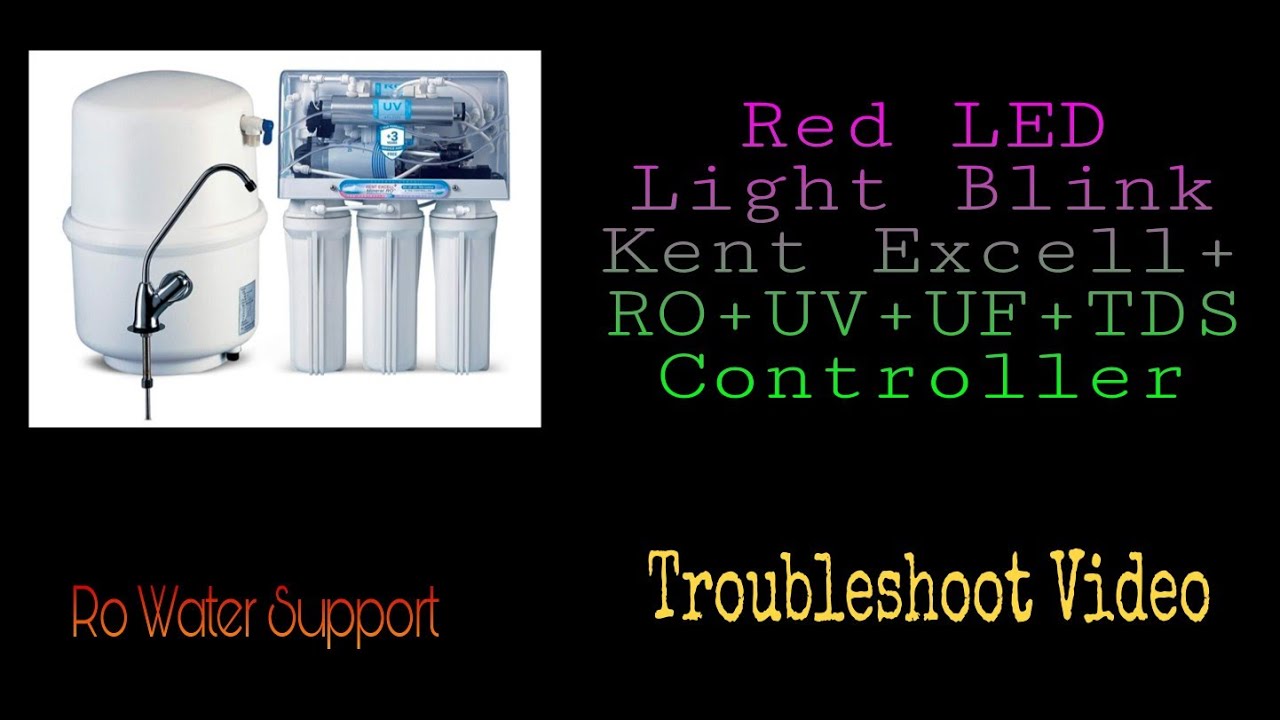
When your Kent RO water purifier starts blinking a red light, it can be confusing and even a bit stressful. Clean drinking water is something we all rely on every day. Suddenly seeing a warning signal on your purifier can make you worry about water safety, possible breakdowns, or repair costs. But what does the red light blinking on your Kent RO actually mean? Is it something urgent, or can you fix it yourself? This article will guide you through what the red light indicates, the reasons it appears, troubleshooting steps, and how to prevent future problems. If you want your Kent RO to keep running smoothly and providing safe water, read on—you’ll find clear answers here.
What Does The Red Light On A Kent Ro Mean?
Most modern Kent RO purifiers are fitted with color-coded indicator lights to help users identify the machine’s status. Each color tells a different story. The red light is not just a random warning; it has a specific meaning.
Typically, the red light on your Kent RO signals one of these issues:
- The filter or membrane needs replacement
- There’s a problem with the UV lamp
- The storage tank is empty or not filling
- There is a power supply issue
- System error or malfunction
Not every Kent model uses the exact same indicator system, but the red light always points to something that needs attention. Ignoring it may result in unsafe water or further damage to your purifier.
Common Causes For Red Light Blinking
Understanding why the red light appears is the first step in fixing the issue. Here are the most common reasons:
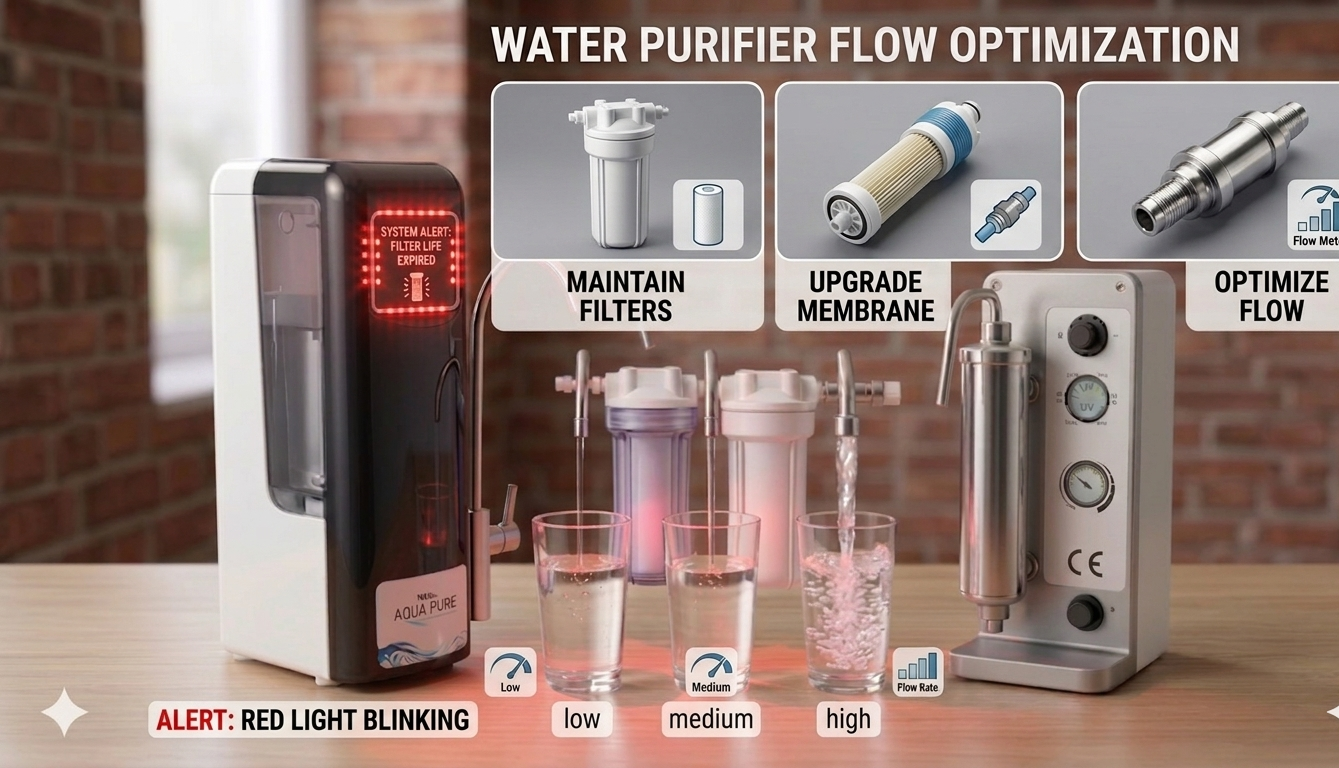
1. Filter Or Membrane Expiry
The RO membrane and filters are the heart of your water purifier. Over time, they become clogged or less effective. Many Kent models have a built-in sensor that tracks the lifespan of these parts. When they need changing, the red light will blink.
Kent recommends changing the RO membrane every 12–18 months and the sediment/carbon filters every 6–12 months, depending on water quality and usage.
2. Uv Lamp Failure
Some Kent RO models include a UV lamp for added protection. If this lamp burns out or malfunctions, the red light will alert you. A faulty UV lamp means your water is not being properly disinfected.
3. Storage Tank Issues
If your Kent RO storage tank is not filling up, the red light may blink. This could happen because of low water pressure, a stuck float valve, or a blocked filter.
4. Power Supply Problems
A loose power connection or voltage fluctuation can also trigger the red indicator. The system may not be getting enough power to function correctly.
5. System Malfunction
In rare cases, the blinking red light means the system’s internal sensors have detected an error. This could be anything from a software glitch to a short circuit.
How To Troubleshoot A Blinking Red Light
Fixing the red light depends on the root cause. Here are some practical steps you can follow:
Step 1: Check The User Manual
Always start by checking your specific model’s user manual. It usually explains what each indicator means and may offer model-specific solutions.
Step 2: Reset The System
Sometimes, the red light blinks due to a temporary error. Turn off the purifier, unplug it, wait for 2 minutes, and plug it back in. Turn it on and see if the problem goes away.
Step 3: Inspect Power Supply
Check the power cord and socket. Make sure the plug is firmly in place and the socket is working. If you notice flickering lights or power loss, try using a different outlet.
Step 4: Check Water Pressure
Low water pressure is a common cause. Kent RO purifiers usually require a minimum pressure of 10–40 PSI. If your supply is lower, the tank may not fill, triggering the red light.
Step 5: Examine Filter And Membrane
Look at the filter change indicator, if your model has one. If filters or membranes are overdue for replacement, this is likely the cause.
Step 6: Test The Uv Lamp
For models with a UV lamp, make sure it is working. If you are unsure, consult the manual or call a technician.
Step 7: Look For Leaks Or Blockages
Check for visible leaks, kinks in the pipe, or blockages in the water line. Sometimes, airlocks or sediment can stop water flow.
Step 8: Contact Customer Service
If you have tried all the above steps and the red light is still blinking, it’s best to call Kent customer support or a qualified technician.
Kent Ro Indicator Lights: What Each Color Means
It’s helpful to understand what other indicator lights mean, so you can spot problems early. Here is a quick guide:
| Indicator Color | Meaning | Action Required |
|---|---|---|
| Green | Normal Operation | No action needed |
| Blue | Purification in Progress | Wait for tank to fill |
| Red (Blinking) | Error or Maintenance Needed | Check filters, UV lamp, or call service |
| Yellow/Orange | Filter Nearing End of Life | Plan filter replacement |
When To Replace Filters And Membranes
Knowing when to replace filters is crucial for safe water. Here’s a general schedule:
| Component | Recommended Replacement | Signs of Expiry |
|---|---|---|
| Sediment Filter | Every 6–12 months | Red light, reduced flow |
| Carbon Filter | Every 6–12 months | Bad taste or odor |
| RO Membrane | Every 12–18 months | Red light, high TDS |
| UV Lamp | Every 12 months | Red light, no UV function |
Note: Usage and local water quality can change these timelines. If you notice a sudden change in water taste, odor, or flow, check your filters sooner.
Non-obvious Insights Most Users Miss
- Ignoring pre-filter maintenance: Many Kent RO users forget the external pre-filter. This inexpensive filter protects the main system. If it gets clogged, it can cause the red light to blink due to restricted water flow. Replace or clean the pre-filter every 3–6 months.
- Resetting the filter change alarm: After changing filters, some users forget to reset the filter change indicator. Most Kent models require you to press and hold the reset button for a few seconds. If you skip this, the red light may keep blinking even with new filters.
- TDS Levels and Red Light: High Total Dissolved Solids (TDS) in your water can cause the RO membrane to wear out faster. If your red light blinks more often than expected, get your water’s TDS checked.
- Power fluctuations: Unstable voltage can damage the RO’s electronics, causing false alarms. Use a voltage stabilizer if you live in an area with frequent power cuts.
Credit: waterpurifierhub.in
Practical Maintenance Tips To Prevent Red Light Issues
- Clean the water storage tank every 2–3 months to prevent bacterial growth.
- Replace pre-filters as recommended to avoid system overload.
- Check for leaks regularly, especially around joints and pipes.
- Schedule annual servicing with an authorized Kent technician.
- Use only original Kent filters and parts for replacements.
- Monitor water taste and smell as early signs of filter or membrane problems.
Cost Comparison: Diy Vs Professional Service
Should you try fixing the red light issue yourself, or call a pro? Here’s a cost breakdown:
| Action | DIY Cost | Professional Cost | Pros | Cons |
|---|---|---|---|---|
| Filter Replacement | $10–$30 (parts only) | $30–$60 (parts + labor) | Save money, learn skills | Risk of incorrect fitting |
| UV Lamp Replacement | $8–$15 | $20–$40 | Quick fix | Electric shock risk |
| System Reset | $0 | $10–$20 | Easy to do | May not solve all issues |
| Full Servicing | Not recommended | $40–$80 | Expert check | Higher cost |
DIY is cost-effective for simple tasks but always call a professional if you’re unsure or if the problem repeats.
When To Call A Technician
There are times when professional help is the safest option. Contact a technician if:
- You’ve replaced filters/membranes and the red light still blinks
- The UV lamp is not working after replacement
- There are leaks you can’t stop
- The system gives frequent errors or water flow is very low
- The water quality is still bad after servicing
A certified Kent technician has the tools and experience to diagnose and fix hidden issues.
What Happens If You Ignore The Red Light?
Ignoring the red light can have serious consequences:
- Health risk: Consuming water from a faulty RO can expose you to bacteria, viruses, and heavy metals.
- Higher repair costs: Small issues often become bigger if left unchecked.
- Shorter appliance life: Running the system with expired filters or a faulty UV lamp will wear out the machine faster.
It’s always best to act quickly when you see the red warning.
Credit: www.youtube.com
How Kent Ro Compares To Other Brands
Many water purifiers use similar indicator systems, but Kent’s alert system is considered user-friendly. Here’s a quick look at how Kent compares with other popular brands:
| Brand | Indicator System | Ease of Maintenance | Average Filter Cost |
|---|---|---|---|
| Kent | Color-coded LEDs | Easy | $10–$30 |
| Aquaguard | LED + Audio Alerts | Moderate | $12–$35 |
| Livpure | LED Indicators | Easy | $8–$25 |
| Pureit | Cartridge Life Indicator | Easy | $10–$28 |
Kent stands out for its clear indicator system and easy access to replacement parts. For more on water purifier technology, visit the Wikipedia page on reverse osmosis.
Frequently Asked Questions
Why Does The Red Light Keep Blinking Even After I Change The Filter?
If the red light stays on after replacing the filter, you likely need to reset the filter change indicator. Check your model’s manual for the reset instructions. Usually, pressing and holding the reset button for 5–10 seconds will clear the warning.
Is It Safe To Drink Water From My Kent Ro When The Red Light Is Blinking?
It’s not recommended. The red light usually means a maintenance issue or possible fault, which could affect water purity. Always resolve the blinking light before using the water.
How Often Should I Service My Kent Ro Purifier?
Kent suggests a professional service at least once a year. If you have hard water or use the purifier heavily, consider servicing every 6–8 months.
Can I Replace The Filters And Uv Lamp Myself?
Yes, most Kent filters and UV lamps can be replaced at home with basic tools. However, always use original Kent parts and follow the manual. If unsure, call a professional.
What If The Red Light Blinks Along With Another Color?
If you see the red light with another color (like yellow), it often means multiple issues—for example, the filter is due for replacement and the tank is not filling. Check each possible cause or contact Kent support for guidance.
Taking quick action when you see a blinking red light on your Kent RO ensures your water stays safe and your purifier lasts longer. A little attention now can save you from costly repairs and health risks down the line.
Stay proactive, follow the maintenance tips, and enjoy clean, fresh water every day.
Credit: waterpurifierhub.in