If you own a Fossil Gen 6 Smartwatch, you probably enjoy its blend of classic style and modern tech. But what happens when your smartwatch suddenly refuses to turn on? It’s frustrating, especially if you depend on it for notifications, fitness tracking, or just telling the time. This issue is more common than you might think, and it can have several causes. Some are simple and easy to fix; others may need a bit more troubleshooting. This article will guide you through every major reason your Fossil Gen 6 might not be turning on, provide practical solutions, and share tips to get your watch working again. Whether you’re new to smartwatches or already tech-savvy, you’ll find clear steps and expert advice here.
Understanding The Fossil Gen 6 Smartwatch
The Fossil Gen 6 is a popular Wear OS smartwatch known for its stylish design and powerful features. It offers a fast Snapdragon Wear 4100+ processor, a vibrant AMOLED display, GPS, heart rate monitoring, and the ability to respond to notifications. Many users choose Fossil Gen 6 for its balance of fashion and function. However, like any electronic device, it can face technical issues—one of the most worrying is when it won’t turn on at all.
Before you panic, know that most power issues are fixable at home. Some problems need only a quick reset or a new charging cable, while others may require checking for software bugs or even contacting support.
Common Reasons A Fossil Gen 6 Smartwatch Won’t Turn On
Let’s look at the six main reasons your Fossil Gen 6 smartwatch might not power up. Each has its own symptoms and solutions. Understanding these will help you diagnose the problem faster.
1. Battery Is Completely Depleted
One of the most frequent causes is a fully drained battery. If your watch hasn’t been charged for a while, or if there’s a problem with the battery itself, it might not have enough power to start.
Signs Of A Drained Battery
- The screen stays black, even when you press buttons.
- The watch does not vibrate or show any sign of life.
- The device does not respond to the charger right away.
What To Do
- Connect the Watch to Its Charger: Use the original Fossil charger if possible. Third-party chargers may not deliver the correct voltage.
- Leave It Charging: Let it charge for at least 30 minutes before trying to turn it on. Sometimes, if the battery is very low, it takes a while before the display lights up.
- Check for Signs of Life: Look for a charging icon or vibration.
- Try a Different Outlet: If nothing happens, plug the charger into another power source.
Pro Tip
If your watch is still unresponsive after an hour, try a different USB cable or charger. Also, inspect the back of the watch and the charger contacts for dirt or corrosion. Cleaning them gently with a dry cloth can help.
2. Faulty Charging Cable Or Charger
A damaged or incompatible charger is another common culprit. Even if the battery is fine, a bad charger can prevent the watch from powering up.
Signs Of Charging Issues
- The charging icon does not appear when the watch is placed on the dock.
- No vibration or light from the watch while on the charger.
- The charger feels hot, or the cable is frayed.
How To Troubleshoot
- Inspect the Charging Cable: Look for any visible damage, bent pins, or frayed wires.
- Try a Different Charger: If you have another Fossil charger, use it. Alternatively, borrow from a friend or check at a store.
- Clean the Charging Contacts: Both on the watch and the charger, use a dry cloth or a soft brush.
- Test the Charger with Another Device: If possible, use the same charger on a different Fossil smartwatch.
Data Table: Charger Compatibility
Here’s a quick comparison of charging options for Fossil Gen 6:
| Charger Type | Compatibility | Notes |
|---|---|---|
| Original Fossil Charger | 100% | Recommended for safety and reliability |
| Third-party Charger | Varies | May not supply correct power; risk of damage |
| USB Hub/Computer Port | Possible | Slower charging, sometimes not enough power |
Practical Insight
Many users overlook the charger itself. Even if it looks fine, tiny faults inside the cable or dock can prevent charging. Always test with known working accessories before assuming your watch is the problem.
3. Software Crash Or System Freeze
Sometimes, the system software on your Fossil Gen 6 can freeze or crash. This can make the watch appear dead, even if the battery is charged.
Signs Of A Software Freeze
- The screen is black, but the battery was recently charged.
- The watch doesn’t respond to button presses.
- The device was updating or installing an app before it went blank.
Steps To Fix
- Force Restart the Watch: Press and hold the middle button (crown) for at least 15 seconds. This forces a reboot.
- Wait and Try Again: If it doesn’t restart, wait a minute and try the force restart again.
- Charge and Retry: Connect the charger and repeat the force restart steps.
Data Table: Restart Methods
| Restart Method | How to Perform | When to Use |
|---|---|---|
| Normal Restart | Press and release crown button | Watch is responsive |
| Force Restart | Hold crown for 15+ seconds | Watch is unresponsive/black screen |
| Hard Reset | May require support | Severe software crash |
Advanced Tip
If your watch was updating its operating system or apps before it went blank, allow it extra time. Interrupting updates can lead to longer boot times or temporary freezes. If you experience repeated software crashes, consider a factory reset (when possible) or check for firmware updates.
4. Water Or Physical Damage
The Fossil Gen 6 is rated as water-resistant, but it is not fully waterproof or shockproof. Exposure to water, dust, or a hard impact can damage internal components and prevent the watch from powering on.
Signs Of Damage
- The watch stopped working after swimming, showering, or heavy rain.
- Visible cracks or dents on the screen or body.
- Unusual heat, rattling, or moisture under the screen.
What To Do
- Dry the Watch: If you suspect water exposure, dry the watch with a towel and let it rest in a dry area for at least 24 hours. Do not try to charge or turn it on while wet.
- Inspect for Damage: Look for cracks or broken parts. If you see physical damage, do not attempt to open the watch yourself.
- Contact Support: If drying does not help, or if you see signs of severe damage, contact Fossil support or a professional repair service.
Data Table: Water Resistance Ratings
| Activity | Water Resistance | Safe for Fossil Gen 6? |
|---|---|---|
| Hand washing | 3 ATM (30m) | Yes, short exposure |
| Swimming | 3 ATM (30m) | No, not recommended |
| Showering | 3 ATM (30m) | No, avoid soap and hot water |
| Diving | 10 ATM (100m) or more | No, watch not rated for diving |
Non-obvious Insight
Even if your watch survived water exposure before, repeated contact can weaken seals and increase risk over time. Also, hard impacts may cause hidden internal damage that only shows up later as power issues.
5. Outdated Or Corrupted Firmware
The firmware is the built-in software that controls your Fossil Gen 6. Sometimes, bugs, incomplete updates, or corrupted files can prevent the watch from turning on.
Symptoms Of Firmware Problems
- The watch was updating just before it went dead.
- Unusual behavior before the blackout, like random reboots.
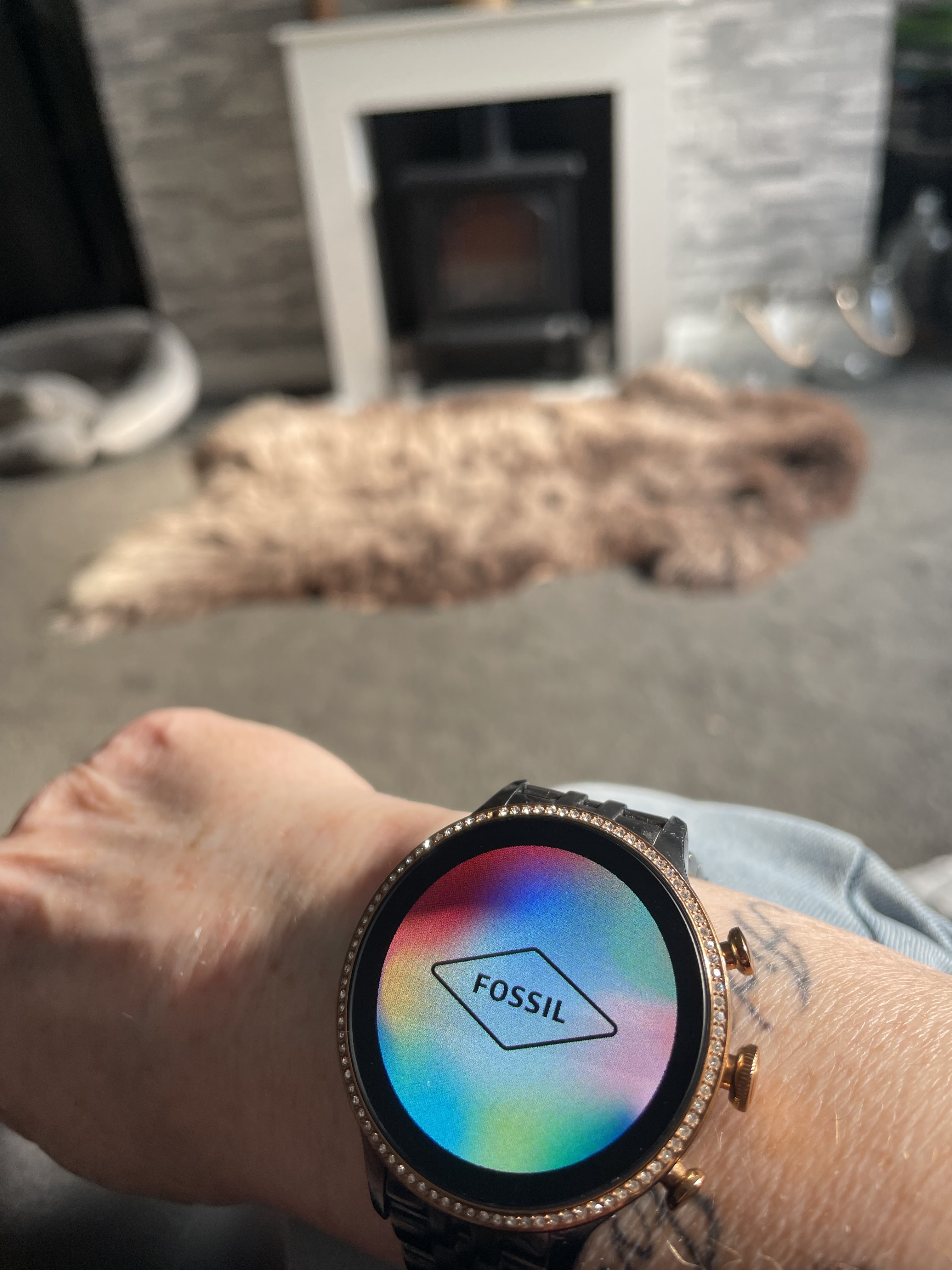
- The device gets stuck on the Fossil logo or boot screen.
How To Fix
- Connect to Charger: Plug in the charger to ensure enough battery during the recovery process.
- Attempt Force Restart: Hold the crown button for 15+ seconds.
- Update via App: If the watch turns on, use the Fossil Smartwatches app to check for available updates.
- Factory Reset (if accessible): From the settings menu, choose to erase all data and reset the device.
Example Scenario
A user reports that their Fossil Gen 6 froze during a software update and will not boot past the logo. After several force restarts and leaving it on the charger overnight, the watch finally boots up. The user immediately performs a factory reset and updates all apps, which solves the problem.
Non-obvious Insight
Sometimes, firmware glitches can make a device appear completely dead. Even when it seems unresponsive, a force restart or a long charging period can allow the system to recover. Performing regular updates and avoiding interrupting updates (like removing from the charger mid-process) reduces the risk of these issues.
6. Hardware Failure
If you have tried all the above steps and your Fossil Gen 6 still won’t turn on, you may be facing a hardware failure. This is less common, but it can happen due to manufacturing defects, worn-out components, or old age.
Signs Of Hardware Failure
- No response to any button presses or charging attempts.
- No vibration, sound, or display—completely dead.
- Watch has a history of glitches or battery issues.
What To Do Next
- Check Warranty: Fossil smartwatches typically come with a limited warranty. If your device is less than one year old, you may be eligible for a free repair or replacement.
- Contact Support: Reach out to Fossil customer service through their website or in-store.
- Professional Repair: For out-of-warranty devices, consider a professional repair service. Compare costs with the price of a new watch.
Comparison Table: Repair Vs Replacement
| Option | Average Cost | Time Required | Warranty Impact |
|---|---|---|---|
| Warranty Repair | $0 (usually) | 1-3 weeks | Maintains warranty |
| Professional Repair | $50–$150 | 1-2 weeks | May void warranty |
| Replacement | $200–$300 | Immediate | New warranty |
Extra Guidance
If your watch is several years old, the battery or other components may simply have reached the end of their lifespan. In such cases, investing in a new model can be more cost-effective in the long run.

Credit: www.youtube.com
Extra Tips For Preventing Fossil Gen 6 Power Problems
Taking care of your smartwatch can help you avoid most power and startup issues. Here are some practical steps:
- Charge Regularly: Don’t let the battery drop to zero frequently. Try to recharge when it gets below 20%.
- Use Only Approved Chargers: Stick to Fossil’s official accessories to avoid electrical issues.
- Update Firmware Promptly: Install updates when prompted to fix bugs and improve performance.
- Keep It Clean and Dry: Wipe the watch and charging contacts regularly, and avoid wearing it in the shower or pool.
- Avoid Extreme Temperatures: Both high heat and freezing cold can damage the battery and internal circuits.
What To Do If Nothing Works
If you’ve tried every solution above and your Fossil Gen 6 still won’t turn on, don’t give up hope. Here’s your final checklist:
- Double-Check Every Step: Go through all troubleshooting steps again with fresh eyes.
- Document Everything: Make a note of what you tried, including error messages, charging attempts, and unusual symptoms.
- Contact Fossil Support: Visit the official Fossil website and use their support tools. Providing detailed notes will speed up the process.
- Check for Recalls or Known Issues: Sometimes manufacturers issue recalls for specific problems. Check if your watch is affected.
- Consider Replacement: If repair costs are high, upgrading to a new model may be the best solution.
For more information on wearable device care, you can visit the official Wear OS Help Center.
Credit: support.google.com
Frequently Asked Questions
Why Won’t My Fossil Gen 6 Charge Even With A New Cable?
If your watch won’t charge with a new cable, the problem could be with the charging dock, the watch’s charging contacts, or the power source. Try using a different wall adapter and clean the charging points on both the dock and watch.
If these steps fail, internal battery or hardware issues may be to blame.
How Do I Force Restart My Fossil Gen 6 If The Screen Is Black?
To force restart, hold down the middle crown button for at least 15 seconds. This usually triggers a reboot, even if the screen is off. If the device still won’t respond, let it charge for an hour and try again.
Is My Fossil Gen 6 Waterproof?
The Fossil Gen 6 is water-resistant (up to 3 ATM), meaning it can handle splashes and brief immersion, but it is not waterproof. Avoid wearing it swimming, diving, or in hot showers to prevent damage.
Can A Software Update Make My Smartwatch Stop Working?
Yes, a failed or interrupted update can cause the watch to freeze or fail to start. Always update while connected to the charger and ensure a stable internet connection. If the device becomes unresponsive after an update, try a force restart or contact Fossil support.
What Should I Do If My Watch Shows The Fossil Logo But Won’t Boot?
If your Fossil Gen 6 gets stuck on the logo, it may be a firmware issue. Try a force restart first. If that doesn’t work, let the battery drain completely and then recharge. If the problem continues, a factory reset or professional repair may be needed.
When your Fossil Gen 6 won’t turn on, it’s normal to feel worried. However, most causes are easy to fix if you know what to check. By understanding the six main reasons—battery depletion, faulty chargers, software crashes, water or physical damage, firmware issues, and hardware failure—you can quickly find the right solution.
Keep your watch updated, use proper accessories, and treat it with care to prevent future problems. If all else fails, don’t hesitate to reach out to Fossil’s support or an expert repair service. Your smartwatch is designed to make life easier, and with the right troubleshooting, you’ll be back on track in no time.