Fire Alarm Green Light Blinking: What It Means and How to Respond
Fire alarms play a crucial role in keeping homes and workplaces safe. These devices help people detect smoke, heat, or fire early—giving everyone time to act. But sometimes, a fire alarm shows signs that confuse many people. One common sign is a green light blinking. If you have seen this in your home or office, you might wonder: Is my alarm working? Is there a problem? Should I do something now?
Understanding what a blinking green light means can help you stay safe and avoid mistakes. It can also save you from worrying unnecessarily or ignoring a warning that needs attention. This article will explain the reasons behind a fire alarm green light blinking, how to check your device, and what steps to take. Whether you are a homeowner, tenant, or facility manager, this guide will make sure you know exactly what to do.
Common Meanings Of A Fire Alarm Green Light Blinking
Different fire alarm brands use lights to signal their status. Usually, fire alarms have a steady green light when everything is normal. But a blinking green light can mean several things, depending on the model.
- Normal Operation (Power Save Mode)
- In some alarms, a blinking green light means the device is working and saving energy.
- Example: Kidde smoke alarms often blink every 30–60 seconds to show they are powered and active.
- Battery Low or Battery Replacement Needed
- For many alarms, a blinking green light signals that the battery is weak and needs changing.
- This is often paired with a chirping sound.
- Test Mode
- If you recently pressed the test button, the alarm might blink green for a short time.
- This means the device is checking its sensors.
- Power Failure or Backup Power
- On hardwired alarms, a blinking green light can mean the device switched to battery backup.
- If the power returns, the light may stop blinking.
- Fault or Error
- Some alarms blink green to signal a problem, such as sensor failure or wiring issues.
- Usually, this is combined with a red light or beeping.
Here’s a comparison of what the green light signals mean on three popular brands:
| Brand | Steady Green | Blinking Green | Other Signs |
|---|---|---|---|
| Kidde | Normal operation | Battery OK, Power Save | Chirp for low battery |
| First Alert | Power connected | Backup battery active | Red light for alarm |
| BRK | Device powered | Test mode or error | Red for alarm or error |
It’s important to check your device’s manual or the manufacturer’s website to be sure.
How To Diagnose The Cause Of A Blinking Green Light
If you notice a fire alarm green light blinking, follow these steps to understand why:
- Check the User Manual
- Look up the light patterns in your fire alarm’s manual. Most manuals have a section on what different lights mean.
- Listen for Sounds
- Is the alarm chirping or beeping? This often means low battery or a fault.
- Look for Other Lights
- Is there also a red light or yellow light blinking? Red usually signals an alarm or fault.
- Test the Alarm
- Press the test button. If the device sounds loud and clear, it’s likely working.
- Check Power Source
- For hardwired alarms, see if the power is on. If not, the device may be running on backup battery.
- Inspect for Dust or Damage
- Sometimes dust or insects inside the alarm can cause errors.
Example Scenario
Imagine your Kidde alarm is blinking green every 60 seconds. There is no sound, and the red light is off. This usually means the alarm is powered and working. If you see a green blink with a chirp, it’s time to replace the battery.
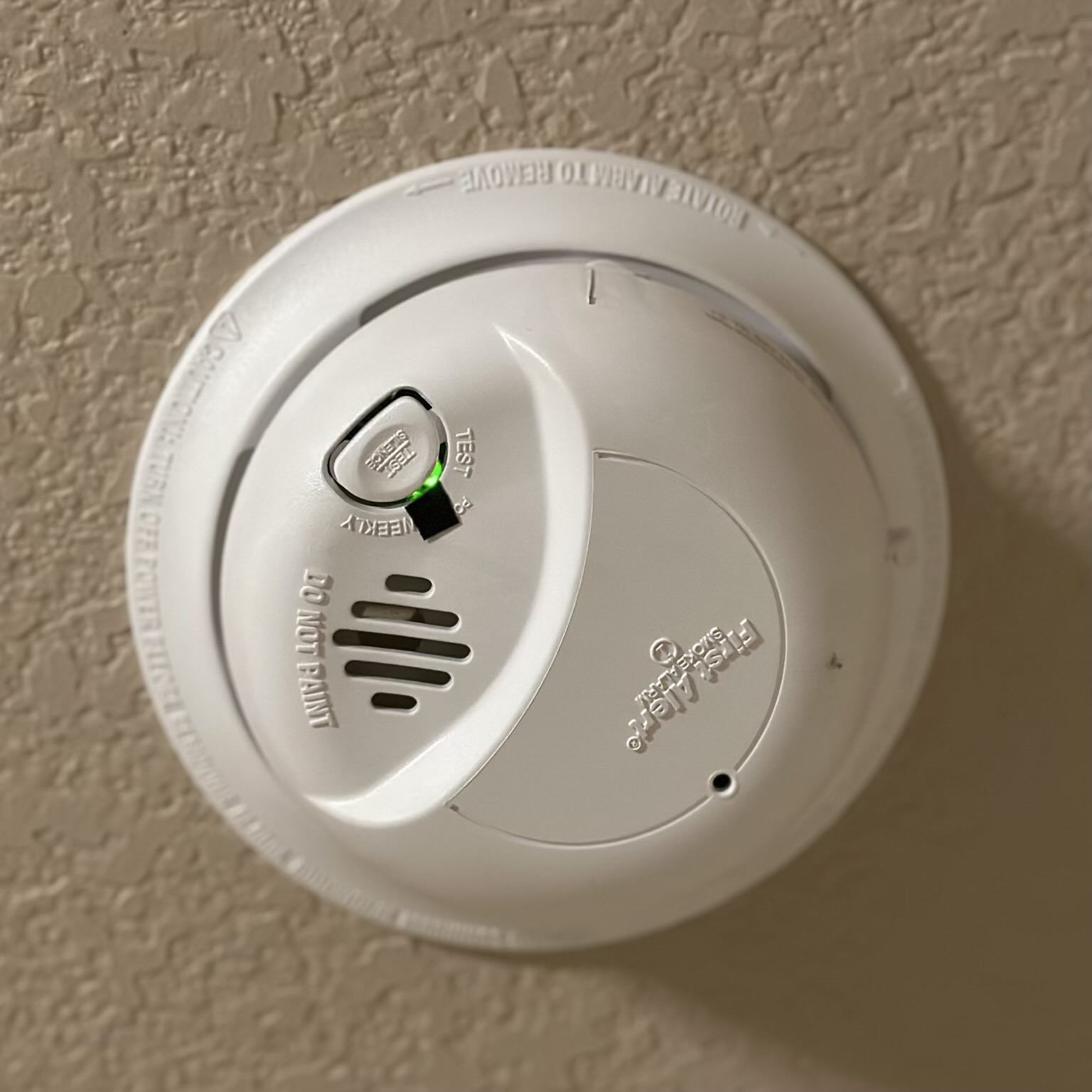
Credit: felixwong.com
Typical Fire Alarm Light Patterns And Their Meanings
Fire alarms use lights to communicate. Here are the most common light patterns:
| Light Pattern | Meaning | Action Needed |
|---|---|---|
| Steady Green | Normal operation | No action |
| Blinking Green | Power save, battery OK, or backup power | Check manual |
| Steady Red | Alarm triggered | Evacuate, check for fire |
| Blinking Red | Error, sensor fault, or test mode | Check device, replace battery |
| No Light | No power | Check wiring/battery |
Knowing these patterns helps you quickly spot problems and stay safe.
What To Do When Your Fire Alarm’s Green Light Is Blinking
Many people panic or ignore a blinking green light. Here’s what you should do:
- Read the Manual
- Find the exact meaning for your model.
- Check for Sounds and Other Lights
- If there is a beep or red light, act immediately.
- Replace the Battery
- If your alarm blinks green and chirps, change the battery.
- Clean the Alarm
- Dust and bugs can block sensors. Clean gently with a soft cloth.
- Test the Alarm
- Use the test button to check if it sounds.
- Reset the Device
- Some alarms need a reset after battery change. Hold the reset button for 10–15 seconds.
- Call an Electrician or Fire Safety Expert
- If the blinking continues after all steps, get professional help.
Practical Example
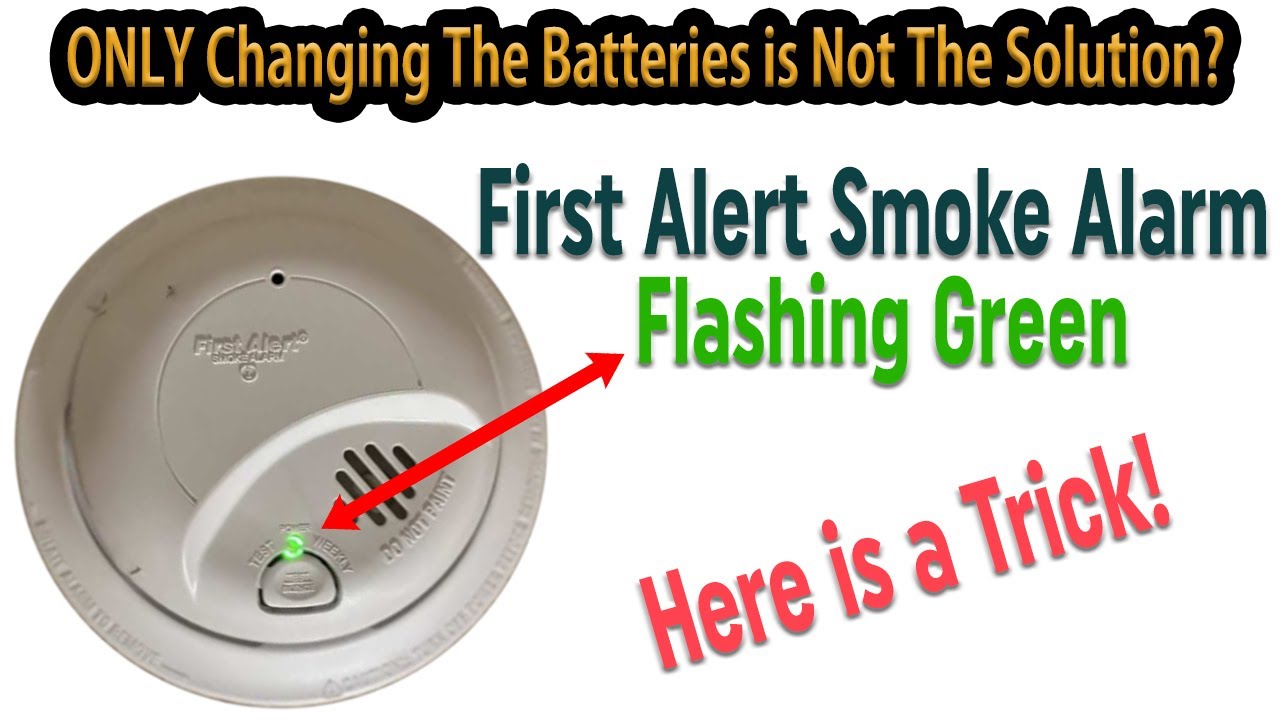
Let’s say you have a First Alert smoke alarm. The green light is blinking, but there’s no sound. The manual says this happens during backup battery mode. Check your main power supply. If the power is off, restore it. If the light keeps blinking, change the battery.

Credit: www.youtube.com
Differences Between Brands And Models
Not all fire alarms are the same. Some use green lights for power, others for errors. Here’s a simple comparison of how three popular brands handle the green blinking light:
| Brand | Green Light Blinking | What to Check |
|---|---|---|
| Kidde | Power save, battery OK | Manual, battery status |
| First Alert | Backup battery mode | Main power, battery |
| BRK | Test mode or error | Test button, error codes |
If your alarm brand is not in this list, check the manual or contact the manufacturer’s support.
Non-obvious Insights And Tips
Many people miss these important points:
- Fire alarms can blink green for normal operation, especially in newer models. Don’t assume blinking always means a problem.
- Battery backup mode is often signaled by a blinking green light on hardwired alarms. If your power goes out, the alarm switches to battery and blinks green.
- Dust, humidity, or insects can cause false signals. If your device blinks green and behaves strangely, clean it carefully.
- Resetting after battery change is often needed. Some alarms keep blinking until you reset.
- Alarms older than 10 years may blink green to signal end-of-life. Replace them for safety.
Why Ignoring A Blinking Green Light Can Be Risky
It’s easy to ignore a blinking green light if there’s no sound or red light. But this can be dangerous:
- Missed Battery Change: If the blink means low battery, your alarm won’t work when you need it.
- Hidden Faults: Some alarms blink green for errors, not just normal operation.
- Expired Device: Old alarms may blink to warn they need replacement.
Always check your alarm when the green light blinks. Ignoring it can put your home or office at risk.
How To Prevent Fire Alarm Light Issues
To avoid confusion and problems:
- Test your alarm monthly
- Press the test button to check sound and lights.
- Replace batteries every 6–12 months
- Even if the alarm seems fine.
- Clean the device every 3–6 months
- Use a soft cloth. Avoid water or sprays.
- Replace alarms every 10 years
- Sensors weaken over time.
- Keep manuals or download them online
- Manuals help you decode light patterns.
These steps will help your alarm stay reliable and reduce false signals.
Real Data And Statistics
- NFPA (National Fire Protection Association) reports that nearly 3 out of 5 fire deaths happen in homes with no working smoke alarms.
- About 24% of fire alarms fail due to dead batteries, often signaled by blinking lights.
- A study by Consumer Reports found that 40% of users misunderstand fire alarm light signals, leading to delayed maintenance.
These numbers show how important it is to pay attention to blinking lights—including a green one.
When To Seek Professional Help
If you have tried all steps and the green light keeps blinking, consider:
- Calling a certified electrician
- Especially for hardwired alarms.
- Contacting the manufacturer
- They can explain error codes.
- Reaching out to local fire safety services
- They often offer free home checks.
For official guidance, visit the NFPA Smoke Alarm Safety Page.
Credit: www.youtube.com
Frequently Asked Questions
What Does A Blinking Green Light On My Fire Alarm Mean?
A blinking green light often means the device is powered and working. But in some models, it signals battery backup, battery low, or a fault. Check your manual for your model’s meaning.
Is It Safe To Ignore A Blinking Green Light If There’s No Sound?
No. Even if there’s no sound, a blinking green light can signal a problem. Always check the manual and test your alarm.
How Often Should I Test My Fire Alarm?
Test your fire alarm once a month by pressing the test button. This ensures both sound and lights are working.
Why Does My Fire Alarm Blink Green After I Change The Battery?
Some alarms need a reset after battery change. Hold the reset button for 10–15 seconds. If the light keeps blinking, check for dust or try a new battery.
What Should I Do If My Hardwired Fire Alarm’s Green Light Blinks?
Check if your main power is off. The device may be using battery backup. Restore power, then check if the light returns to steady green.
A blinking green light on your fire alarm is not something to ignore or panic about. By understanding the signals, following clear steps, and keeping your device maintained, you can make sure your fire alarm protects you and your loved ones.
Stay safe and always pay attention to your fire alarm’s lights—they’re there for your security.