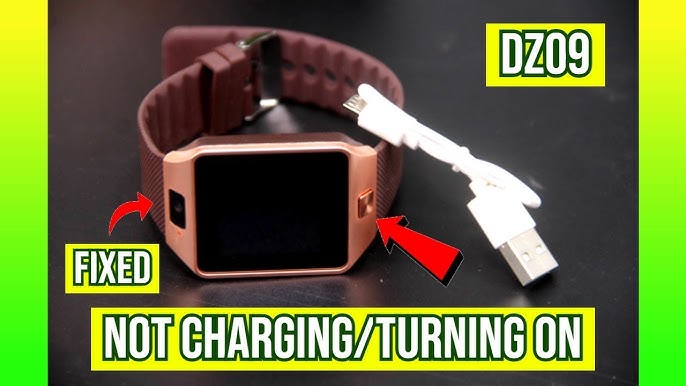
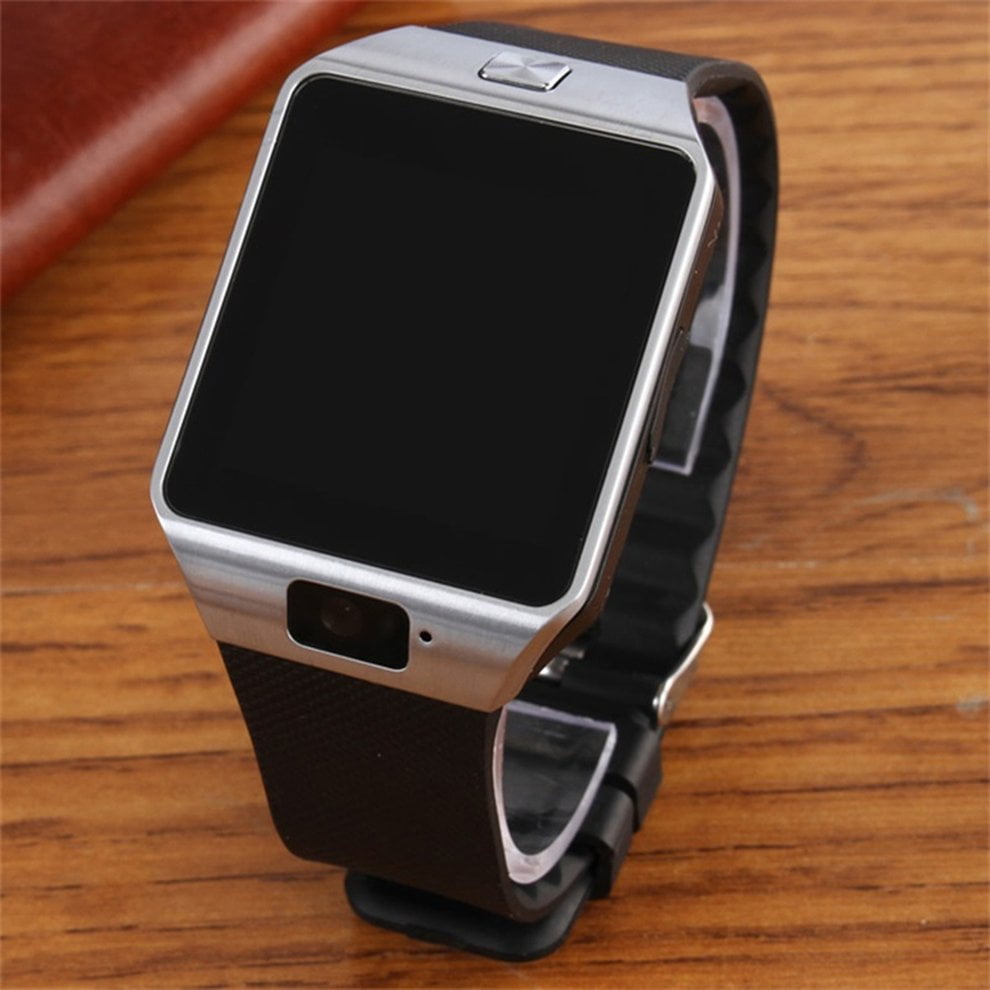
If you’ve ever pressed the power button on your DZ09 smartwatch and nothing happened, you’re not alone. The DZ09 is a popular budget smartwatch, but like any tech device, it can run into problems. A watch that won’t turn on can be frustrating, especially if you rely on it for notifications or fitness tracking. The good news is, most power issues have simple causes and solutions. In this article, you’ll discover the main reasons your DZ09 smartwatch won’t turn on, how to troubleshoot each one, and practical steps to get your device working again. Whether you’re a first-time smartwatch owner or a tech-savvy user, you’ll find clear answers and expert tips here.
Why Your Dz09 Smartwatch Is Not Turning On
Understanding why your smartwatch won’t power up is the first step to fixing it. The DZ09 smartwatch, like many wearable devices, can stop working for several reasons. Below, you’ll find the nine most common causes, explained in detail. Each problem is paired with solutions and extra tips that most beginners miss.
1. Battery Is Completely Drained
When your DZ09 shows no signs of life, a dead battery is usually the main reason. This can happen if you haven’t charged your watch for a long time or left it unused. Lithium-ion batteries, which power most smartwatches, can also drain faster if exposed to high or low temperatures.
What to do:
- Plug the watch into its charger and use the original charging cable and adapter.
- Charge for at least 30 minutes before trying to turn it on.
- If possible, connect the charger to a wall outlet, not a computer USB port. Wall outlets usually provide more stable power.
Non-obvious insight: Sometimes, the battery drains so deeply that the watch won’t show the charging icon immediately. Leave it connected for a full hour before giving up. Many users unplug too soon and assume the watch is broken.
Extra tip: If you notice your DZ09’s battery drains very quickly even after charging, the battery could be failing (see section 4).
2. Faulty Charging Cable Or Adapter
A damaged charging cable or adapter can stop your smartwatch from charging, even if everything else is fine. Cables can wear out internally, especially if they’re bent or twisted often.
How to check:
- Try charging another device with the same cable and adapter.
- Use a different cable and adapter with your DZ09.
- Inspect both for visible signs of damage, like fraying or bent connectors.
Non-obvious insight: Not all micro-USB cables fit snugly into the DZ09’s charging port. A loose fit can prevent charging. Make sure the cable feels secure when inserted.
Practical advice: Avoid using very old or cheap cables, as they may not deliver enough power. If your DZ09 only charges with a certain cable, consider buying a high-quality replacement.
3. Loose Or Dirty Charging Port
The charging port on the DZ09 is a small, exposed opening. Dust, lint, or even tiny bits of metal can block the connection.
Steps to clean the port:
- Power off the watch (if possible).
- Use a wooden toothpick or a can of compressed air to gently clear any debris.
- Avoid using anything metal that could damage the contacts.
Non-obvious insight: Sweat or moisture can corrode the charging contacts over time. If you notice greenish or white residue, clean it carefully.
Important: Never force the charger into the port. If it doesn’t fit easily, double-check for dirt or misalignment.
4. Defective Or Old Battery
Over time, the DZ09 battery loses its ability to hold a charge. If your watch is a year or two old (or was stored without charging for months), the battery might be permanently damaged.
Signs of battery failure:
- The watch powers on only when plugged in.
- Battery drains from 100% to 0% quickly.
- The watch gets hot during charging.
What to do:
- Replace the battery if possible. The DZ09 uses a removable battery, so you can buy a new one online.
- Make sure the new battery is compatible (model BL-5C or similar).
Data table: Comparing Battery Health Symptoms
| Symptom | Battery Issue | Action |
|---|---|---|
| No power even after charging | Battery may be dead | Replace battery |
| Quick power drop | Battery degraded | Replace battery |
| Heats up while charging | Internal short | Stop using, replace battery |
Extra tip: Always remove the battery if storing the watch for a long time. This prevents deep discharge, which can kill batteries.
5. Software Crash Or Firmware Issue
If your DZ09 was working fine but suddenly stopped, a software crash could be the cause. Like smartphones, smartwatches have operating systems that can freeze or glitch.
How to perform a soft reset:
- Remove the back cover and battery.
- Wait for at least one minute.
- Reinsert the battery and try to turn the watch on.
Firmware update problems: Sometimes, failed updates can “brick” the device, making it unresponsive.
Advanced fix: If you suspect a firmware issue, search for official DZ09 firmware and flashing instructions. Only do this if you’re comfortable with tech repairs, as mistakes can permanently damage your watch.
Non-obvious insight: Many users overlook the soft reset step. Removing the battery can clear temporary software bugs that a simple power-off can’t.
Extra caution: Don’t interrupt firmware updates. If your watch froze during an update, you may need technical help to recover it.
6. Physical Damage
Smartwatches are tough, but not indestructible. A hard drop or impact can break internal connections or the power button itself.
How to check for physical damage:
- Inspect the watch for cracks, dents, or loose buttons.
- Press the power button firmly; does it feel stuck or unresponsive?
- Shake the watch gently and listen for rattling (a sign of broken internal parts).
What you can do:
- If the power button is jammed, gently try to free it using a toothpick.
- If the screen is cracked or the watch is wet inside, professional repair might be needed.
Data table: Physical Damage Checkpoints
| Damage Type | Visible Sign | DIY Fix? |
|---|---|---|
| Button stuck | Button doesn’t move | Sometimes |
| Cracked screen | Visible cracks | No |
| Water inside | Foggy screen, won’t turn on | Rarely |
Non-obvious insight: Even small drops can loosen the battery connector, especially if the watch lands on its back. Always check the battery seating if your DZ09 won’t turn on after a fall.
7. Water Or Moisture Damage
The DZ09 is not a waterproof watch. Even a little water can cause short circuits or corrode the inner parts.
Signs of water damage:
- The watch was exposed to rain, sweat, or splashes.
- The screen shows strange lines or flickers before dying.
- You see condensation under the screen.
What to do if your watch gets wet:
- Power off immediately (if it’s still on).
- Remove the battery and SIM card.
- Dry all parts with a soft cloth.
- Place the watch in a bag of uncooked rice or silica gel for 24-48 hours. These absorb moisture.
Non-obvious insight: Even after drying, minerals left by water can cause future problems. If possible, have the inside cleaned by a technician.
Prevention tip: Always remove your DZ09 before showering, swimming, or heavy exercise.
8. Incompatible Or Faulty Sim/sd Card
The DZ09 supports a SIM card for calls and an SD card for storage. Sometimes, a bad or incompatible card can prevent startup.
Common mistakes:
- Inserting the card upside down or in the wrong slot.
- Using a SIM card with a non-standard size (micro or nano in a mini slot without an adapter).
- Faulty SD card causing the watch to freeze on boot.
How to check:
- Remove both cards and try powering the watch on.
- Insert one card at a time to see which causes the issue.
Data table: SIM/SD Card Compatibility
| Card Type | Supported Format | Symptoms of Fault |
|---|---|---|
| SIM card | Mini SIM (not micro/nano) | No power, stuck on logo |
| SD card | Up to 32GB, FAT32 | Freezes, no boot |
Non-obvious insight: SD cards with corrupted filesystems can “crash” the watch. Format your SD card in FAT32 before use.
Extra tip: Always power off before inserting or removing cards.
9. Factory Defect Or Component Failure
Sometimes, the DZ09 just fails due to a factory defect or a broken internal part. This is rare, but it does happen, especially with very low-cost smartwatches.
Signs of a hardware defect:
- The watch never turned on, even when new.
- No response to any troubleshooting steps.
- Unusual burning smell or heat.
What to do:
- If under warranty, request a replacement.
- If not, consider repair only if the cost is reasonable. With DZ09’s low price, replacement is often a better value.
Non-obvious insight: Low-cost electronics can have inconsistent quality control. If you buy a DZ09, test all functions within the return window.
Practical advice: When buying a replacement, choose a reputable seller and check reviews for reports of DOA (dead on arrival) units.
Step-by-step Troubleshooting Guide
If your DZ09 won’t turn on, follow these steps in order. Don’t skip ahead—each step rules out a common cause.
- Charge with the original charger for at least 1 hour. Watch for any signs of life.
- Try a different cable and adapter. Make sure the cable fits snugly in the port.
- Remove the battery, wait 1 minute, and reinsert. Attempt to power on.
- Clean the charging port gently. Remove any visible dust or debris.
- Check for physical damage. Inspect the power button and screen.
- Remove SIM and SD cards. Try powering on with both slots empty.
- Dry out if recently exposed to water. Wait at least 24 hours before retrying.
- Test with a new battery (if available).
- Contact the seller or seek repair if all else fails.
Pro tip: Keep a small log of what you’ve tried and the results. This will help if you need to contact support.
Credit: www.youtube.com
Prevention Tips For Dz09 Power Issues
Once your watch is working, a little care can prevent future power problems.
- Always use the original or a high-quality charger.
- Avoid exposing the watch to extreme heat, cold, or water.
- Remove the battery if storing for more than a month.
- Keep the charging port clean and dry.
- Format SD cards before use and insert them only when the watch is off.
- Test all features soon after buying a new DZ09.
Non-obvious insight: Most users forget that overcharging (leaving the watch plugged in all night, every night) can shorten battery life. Unplug when fully charged.
When To Seek Professional Repair
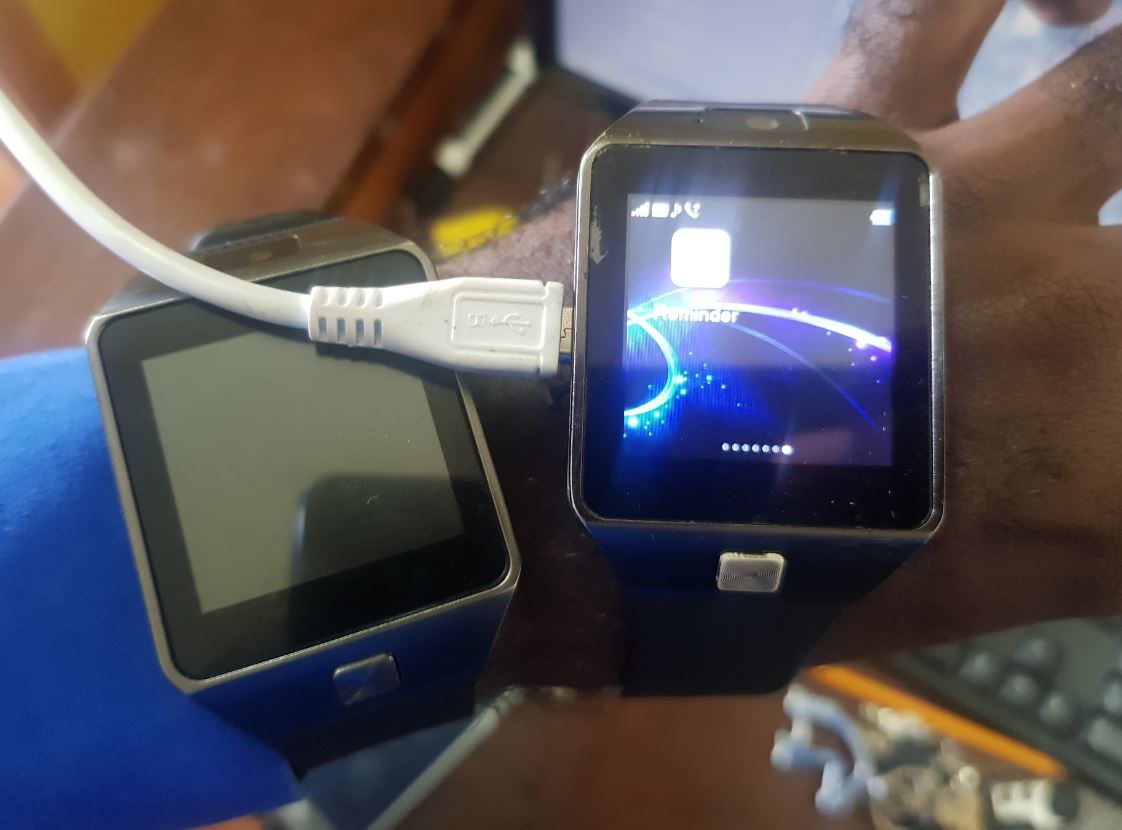
If you’ve tried all steps and the DZ09 still won’t turn on, professional help might be needed. Choose a local technician with experience in smartwatches. For inexpensive devices like the DZ09, compare repair costs to the price of a new watch.
Look for:
- Repair centers with good reviews.
- Technicians who offer a warranty on their work.
- A clear estimate before repair begins.
Important: If the repair cost is more than half the price of a new DZ09, replacement is usually more practical.
Credit: www.jkuat.ac.ke
Alternative Solutions And Upgrades
If your DZ09 is beyond repair, it might be time to consider an upgrade. Newer smartwatches offer better screens, improved battery life, and more features. Some popular alternatives include:
- Amazfit Bip: Long battery life, good fitness tracking.
- Xiaomi Mi Band: Slim, affordable, and reliable.
- Samsung Galaxy Fit: Higher price, but more features.
Non-obvious insight: Many newer smartwatches support waterproofing, making them more durable than the DZ09.
For more information on comparing smartwatches, see this CNET smartwatch guide.
Frequently Asked Questions
Why Does My Dz09 Smartwatch Turn Off Immediately After Powering On?
This usually means the battery is failing and cannot hold a charge. Try replacing the battery with a new, compatible one. Sometimes, a loose battery connection can also cause this. Remove and reinsert the battery, then test again.
Can I Use Any Micro-usb Cable To Charge My Dz09 Smartwatch?
Not always. While the DZ09 uses a standard micro-USB port, some cables fit poorly or don’t deliver enough power. Use the original cable if possible, or try a high-quality replacement. Avoid very old or damaged cables.
Is The Dz09 Smartwatch Waterproof?
No, the DZ09 is not waterproof. It can be damaged by water or sweat. Always remove the watch before swimming, bathing, or exposing it to heavy moisture. If it gets wet, dry thoroughly before turning on.
What Battery Model Does The Dz09 Use?
The DZ09 typically uses a BL-5C battery, which is a common model for many small electronic devices. Always check your watch’s battery compartment for the correct model before buying a replacement.
My Dz09 Is Stuck On The Logo Screen. What Should I Do?
This can be a software or SD card issue. Remove the SD card and try to boot the watch. If that doesn’t help, perform a soft reset by removing the battery for one minute, then reinserting. If the problem continues, a firmware reinstall may be needed.
Getting your DZ09 smartwatch working again is usually possible with some careful troubleshooting. By understanding each possible cause and following the right steps, you can save time, avoid unnecessary repairs, and enjoy your smartwatch for longer. If all else fails, remember that affordable replacements are available, and newer models offer even better features and reliability.
Credit: www.walmart.ca