Every day, millions of people take screenshots on their phones and computers. It is a quick way to save information, share moments, or keep a record of important details. But sometimes, you try to take a screenshot, and the app simply blocks you.
You get a warning message or nothing happens at all. This is not just a small problem—it can be confusing, frustrating, and even impact your work or learning. Why do some apps not allow screenshots? What can you do if you really need to capture something?
And is there any way to work around these restrictions without breaking the rules? This article will explain everything you need to know about apps that do not allow screenshots, including the reasons behind these limits, which apps do it, what you can do about it, and why it matters for your privacy and security.
Why Apps Block Screenshots
Most people think blocking screenshots is just an annoyance, but there are real reasons behind it. Apps do not want to make your life harder; they are usually trying to protect something important.
Protecting Sensitive Information
Some apps handle private or sensitive data that should not be shared easily. For example, banking apps, password managers, and health apps often block screenshots to keep your financial, medical, or personal details safe. If someone took a screenshot of your bank balance or medical records, they could misuse that information. By blocking screenshots, the app reduces the risk.
Preventing Copyright Violations
Other apps, especially those that handle copyrighted content like movies, TV shows, or books, block screenshots to prevent illegal copying. Streaming services (like Netflix or Disney+) do not want people taking screenshots of movies and sharing them online. E-book and comic apps may block screenshots for the same reason.
Following Platform Rules
Operating systems like Android and iOS allow app developers to set rules about screenshots. For example, in Android, developers can add a simple line of code (FLAG_SECURE) that tells the system to block screenshots for that app or screen. Apple’s iOS also lets certain apps restrict screenshots, especially for financial or health data.
Privacy And Security Regulations
In some industries, privacy laws or regulations require companies to protect customer data. Blocking screenshots can be one way to meet those rules. For example, healthcare apps may need to block screenshots to comply with HIPAA (a US law about medical data privacy).
Reducing Cheating And Fraud
Some apps, especially in education or online testing, block screenshots to stop people from copying questions or answers. Similarly, ticketing apps may block screenshots to prevent fake or duplicate event tickets from being created.
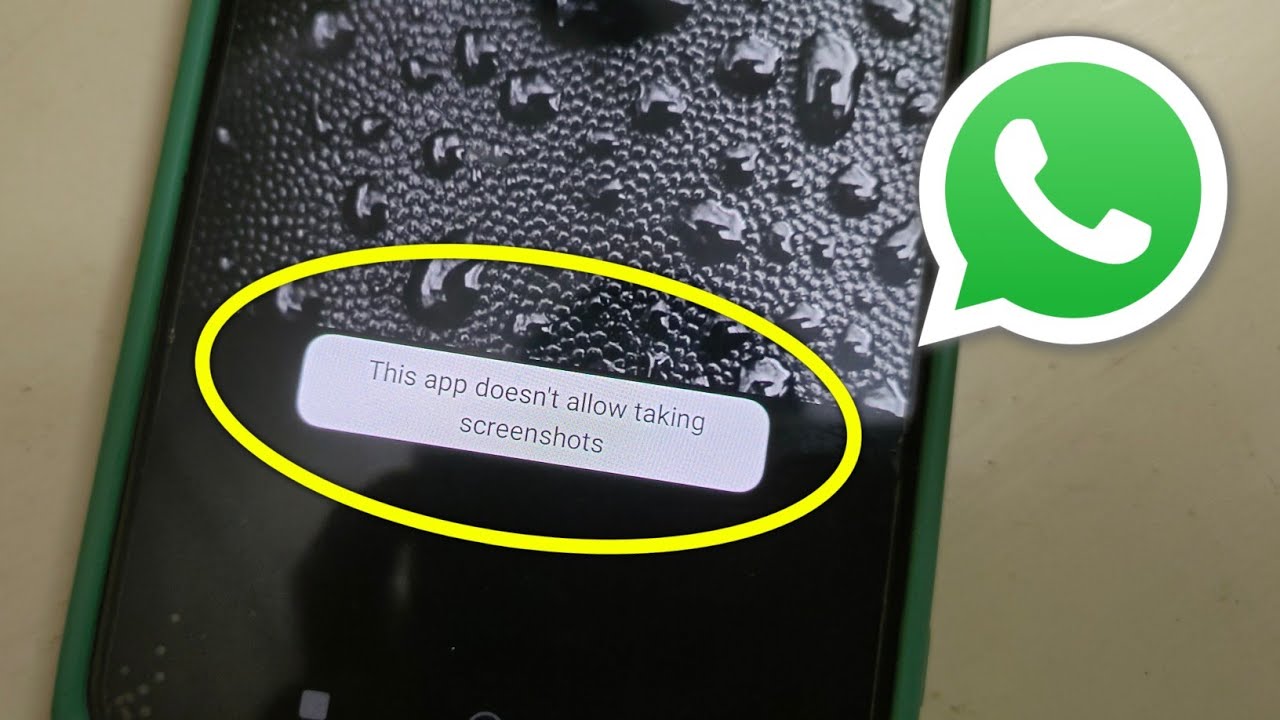
Key insight: Many people do not realize that even chat apps like WhatsApp or Snapchat may block screenshots in specific situations, such as when viewing disappearing messages, to protect user privacy.
Common Apps That Block Screenshots
Screenshot blocking is not just for one type of app. You will find it in several different categories. Here are some of the most common:
1. Banking And Payment Apps
Most major banks—including Chase, Wells Fargo, Bank of America, and others—block screenshots inside their mobile apps. The same is true for payment services like PayPal and Venmo.
2. Streaming Apps
Apps like Netflix, Amazon Prime Video, Disney+, and Hulu use screenshot blocking to protect their video content. You cannot take a screenshot or record the screen when playing a video.
3. Secure Messaging Apps
Snapchat is famous for blocking screenshots or notifying users when someone tries to take one. WhatsApp now blocks screenshots for messages set to “view once.” Telegram also has screenshot blocking for secret chats.
4. Password Managers
Apps like LastPass, 1Password, and Dashlane block screenshots on sensitive screens to protect your stored passwords.
5. Health And Medical Apps
Many health insurance, telehealth, and medical record apps block screenshots to protect private health information.
6. Ticketing And Boarding Pass Apps
Services like Ticketmaster, Eventbrite, and many airline apps block screenshots of tickets or boarding passes to prevent fraud.
7. Educational And Exam Apps
Online exam proctoring apps, testing platforms, and some learning management systems block screenshots to reduce cheating.
Here is a quick comparison of common app categories and whether they typically block screenshots:
| App Type | Screenshot Blocked? | Reason |
|---|---|---|
| Banking | Yes | Protect financial data |
| Streaming | Yes (during playback) | Copyright protection |
| Messaging | Sometimes | User privacy |
| Password Managers | Yes | Protect passwords |
| Health Apps | Yes | Medical privacy |
| Social Media | No (mostly) | N/A |
How Screenshot Blocking Works
The way apps block screenshots depends on your device’s operating system and the app’s design. Here is how it works in the most common environments:
Android
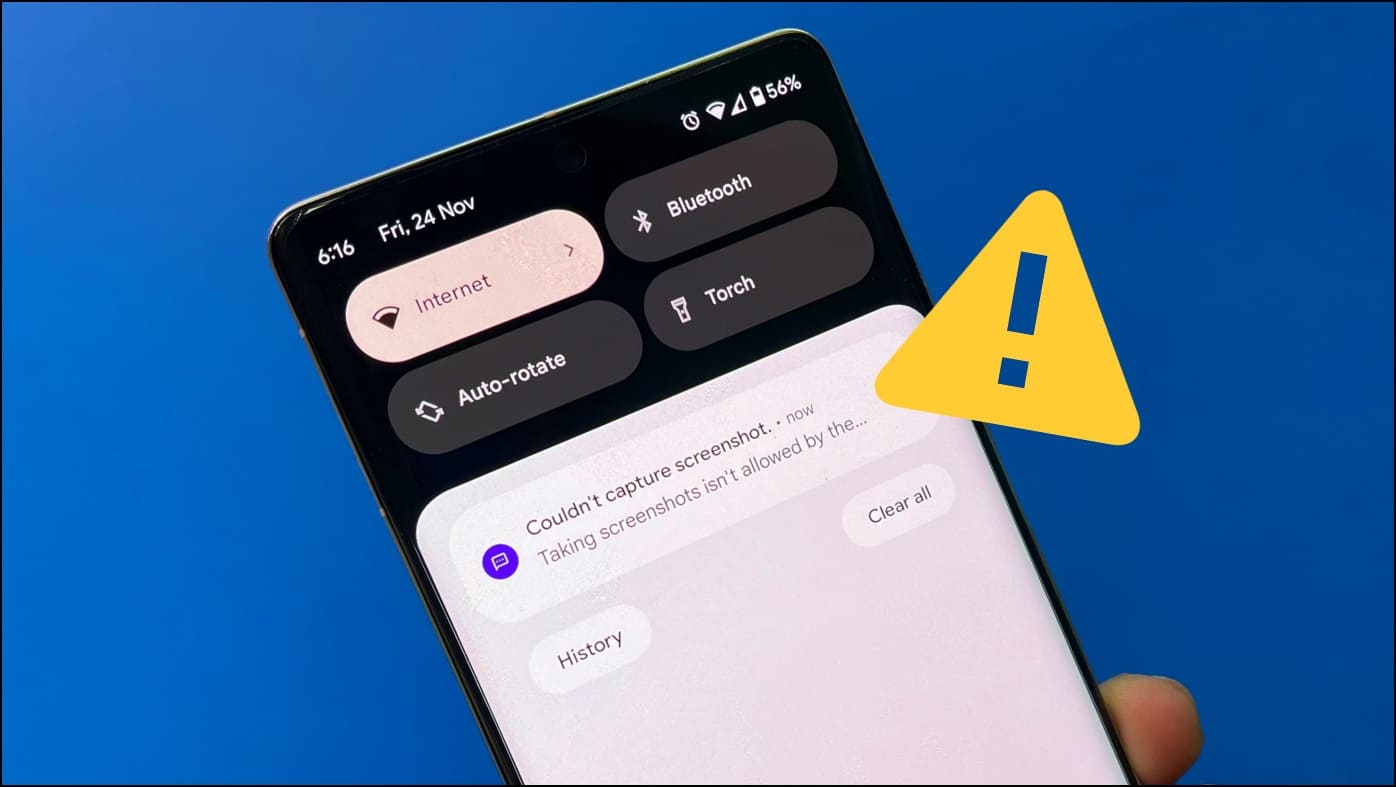
On Android, developers use a system flag called FLAG_SECURE. When this is enabled for a screen or activity, the system will not allow screenshots or screen recording. If you try, you may see a message like “Can’t take screenshot due to security policy.” Some devices and versions give no message at all.
Ios (iphone And Ipad)
Apple gives developers tools to limit screenshots for certain content, especially for apps that handle sensitive data. For example, if you try to take a screenshot in a secure banking app, nothing happens, or you get a warning. Some apps, like Snapchat, notify the other person if you take a screenshot of a disappearing photo.
Desktop (windows, Mac)
While screenshot blocking is rare on computers, some apps—especially online streaming services—use special video players that make screenshots or recordings show a black screen. This is often done using Digital Rights Management (DRM) technology.
Web Apps
Websites and web apps cannot block screenshots at the system level, but they can use overlays or hide content when they detect screen recording tools. Still, it is usually easier to take screenshots in browsers than in native mobile apps.
Practical insight: Many users do not realize that if you view sensitive information inside a secure app, taking a photo with another device (like using a camera to photograph your screen) will always work. This is why the best apps focus on user education as well as technical blocks.
What You Can Do When An App Blocks Screenshots
It is frustrating when you really need a screenshot for work, study, or personal use. Here are some options, but remember: always respect privacy, legal rules, and the app’s terms of use.
1. Use The App’s Built-in Share Or Export Feature
Many apps that block screenshots offer a safer way to export or share information. Banking apps may let you download or email account statements. Messaging apps may allow you to copy text or forward messages. Before looking for a workaround, check the app menus for official export, download, or share options.
2. Take A Photo With Another Device
If the information is very important and no export option exists, you can use another phone or camera to photograph the screen. This is not blocked by software, but be careful not to share sensitive data.
3. Use Accessibility Features (with Caution)
Some users try to use accessibility tools, like screen readers or magnifiers, to capture or copy information. This may work in some cases, but apps are getting smarter at blocking these methods.
4. Try Third-party Apps Or Tools
There are apps and screen recording tools that claim to bypass screenshot restrictions. Some work, but many are scams or can compromise your security. Also, using these tools may violate the app’s terms of service and get your account banned.
5. Enable Developer Options (android Only)
On some Android phones, enabling “Developer Options” and switching off certain security settings can allow screenshots. However, this is risky, may disable important protections, and is not recommended for non-technical users.
6. Use Web Versions Where Possible
If an app blocks screenshots but has a web version (like a banking or chat app), you might be able to access the information on your computer and take a screenshot there. Web browsers are less strict about blocking screenshots.
Here is a quick overview of the most common solutions and their risks:
| Method | Works? | Risks |
|---|---|---|
| Built-in Share/Export | Yes | None |
| Photo with another device | Yes | Privacy risk if shared |
| Accessibility tools | Sometimes | Account suspension |
| Third-party apps | Rarely | Malware, bans |
| Web version | Often | Not always available |
Non-obvious insight: Even if you can “bypass” screenshot blocking with a workaround, the app may log your attempt and restrict your account. For example, some banking apps will alert their fraud team if they detect suspicious activity related to screenshots.
The Impact On User Experience
Blocking screenshots can protect privacy, but it also creates challenges for users. Here are some real-world effects:
Positive Effects
- Increased security for sensitive data like passwords, bank accounts, and medical details.
- Reduced piracy and copyright violations for movies, TV shows, and e-books.
- Better privacy for users in messaging apps and social platforms.
Negative Effects
- Harder to save or share information for personal use, learning, or work.
- Frustration when you need a record of a transaction or message but cannot get one.
- Accessibility issues for people with disabilities who rely on screen capture tools to remember or process information.
Example
Imagine you are studying for an exam, and your learning app blocks screenshots of important charts. You cannot save the visuals for later, making revision harder. Or, you want to keep a record of an online payment, but your banking app blocks screenshots, so you have to write down the details by hand.
Tip: Some apps listen to user feedback and allow exporting data in a safe way, even if screenshots are blocked. If you are having trouble, send feedback to the app developer.
Legal And Ethical Considerations
It can be tempting to find ways around screenshot blocks, but there are legal and ethical reasons to think twice.
Legal Risks
- Breaking Terms of Service: Most apps clearly state in their rules that bypassing security features, like screenshot blocks, can get your account suspended or banned.
- Privacy Violations: Taking screenshots of someone else’s data (like chat messages or health info) without their consent may break privacy laws in some countries.
- Copyright Infringement: Capturing and sharing copyrighted media (movies, books) without permission can lead to fines or legal action.
Ethical Issues
- Respecting Privacy: Even if you can take a screenshot, ask yourself if it is fair to the other person or company. Would you want your private messages or bank details shared without your knowledge?
- Data Security: Saving sensitive screenshots on your device can expose you to risks if your phone or computer is lost or hacked.
Non-obvious insight: Some companies monitor devices for signs of “rooting” (Android) or “jailbreaking” (iOS). If they detect you are using tools to bypass security, they can refuse to support you or even block your access permanently.
Credit: gadgetstouse.com
How Developers Implement Screenshot Blocking
If you are a developer or just curious, here’s how screenshot blocking is usually set up on mobile:
Android
Developers add this line to their code:
getWindow().setFlags(WindowManager.LayoutParams.FLAG_SECURE,
WindowManager.LayoutParams.FLAG_SECURE);
This one line stops screenshots and screen recording for that screen in the app.
Ios
On iOS, developers use special APIs and privacy settings to disable screenshots for sensitive screens. For example, Apple Health and Apple Pay use these methods.
Limitations
- Not foolproof: If someone takes a photo with another device, nothing can stop that.
- Affects user experience: Blocking all screenshots can annoy users, so smart apps block only the most sensitive screens.
- OS updates: Sometimes, operating system updates change how screenshot blocking works, so developers must update their apps to keep protections strong.
User Tips For Dealing With Screenshot Restrictions
If you often run into screenshot blocks, here are some practical tips for daily life:
- Plan ahead: If you know an app blocks screenshots, look for export or share options before you need them.
- Use notes: If export is not possible, write down important details in your phone’s notes app.
- Contact support: If you need a record for legal or business reasons, ask the app’s customer service for help. They may provide a secure way to get the information.
- Educate others: If you work in IT or training, teach team members about screenshot blocks and safe ways to save data.
- Stay safe: Never share sensitive screenshots (like passwords or bank details) with others, even if you manage to capture them.
Credit: www.liangtuang.com
Security And Privacy Benefits
While screenshot blocking can be annoying, it does have real benefits for your security and privacy.
- Stops accidental sharing: Many data leaks happen because people save or share screenshots by mistake.
- Protects against malware: Some phone viruses try to capture screenshots of your bank or password screens—blocking screenshots makes this harder.
- Helps with compliance: For companies, blocking screenshots is an easy way to follow privacy laws and avoid fines.
Key takeaway: Sometimes, the inconvenience of blocked screenshots is a small price to pay for much stronger protection of your personal data.
The Future Of Screenshot Blocking
As technology improves, screenshot blocking is likely to get smarter and more flexible.
Smarter Blocking
Instead of blocking all screenshots, future apps may only block the most sensitive content. Artificial intelligence could help detect when information is private and block screenshots only then.
User Controls
Some apps may start letting users decide which screens allow screenshots. For example, you might choose to block screenshots for chat messages but allow them for general information.
Device-level Solutions
Operating systems like Android and iOS may add more options for users to control screenshot permissions. This could help balance privacy and convenience.
Legal Changes
As privacy laws get stricter in many countries, more apps may need to block screenshots by default, especially in banking, health, and education.
Here is a summary of how screenshot blocking is evolving:
| Current Approach | Future Trends |
|---|---|
| Block all sensitive screens | Selective, AI-based blocking |
| No user control | User chooses what to block |
| Developer managed | System/OS managed |
| Focus on privacy and security | Balance privacy, security, and usability |
Practical advice: Stay updated on your device’s privacy features, and always check app permissions after system updates.
Credit: www.youtube.com
Frequently Asked Questions
Why Does My Phone Say “can’t Take Screenshot Due To Security Policy”?
This usually means the app or your phone’s security settings have blocked screenshots to protect sensitive information. Some devices also block screenshots in incognito/private browsing mode or if your phone is managed by a school or employer.
Can I Unblock Screenshots In A Specific App?
Most of the time, you cannot change this setting for individual apps unless you have access to developer tools or root your device, which can be risky. Some apps let you export information in other ways.
Is It Illegal To Bypass Screenshot Restrictions?
Bypassing screenshot blocks is often against the app’s terms of service and may be illegal if you are capturing copyrighted or private data without permission. Always check the rules before trying.
How Do I Take A Screenshot Of A Video On Netflix Or Disney+?
These apps use strong protections to stop screenshots or recordings, often showing a black screen. There is no safe or legal way to capture this content. Sharing such screenshots could also lead to legal problems. For more details, see the Wikipedia page on DRM.
Can Screenshot Blocking Help Protect My Personal Data?
Yes, blocking screenshots is an effective way to stop accidental sharing or theft of sensitive information, especially for financial, medical, or private chats.
Taking screenshots is a normal part of modern digital life, but sometimes, apps need to put up barriers to protect you and your data. While it can be frustrating, understanding why screenshot blocks exist—and how to work with them—will help you stay safe, respect privacy, and use your apps more effectively.
If you ever feel stuck, remember there are usually official ways to save or share the information you need, and it is always better to follow the rules than risk your account or your privacy.