When your Crossbeats smartwatch suddenly stops charging, it’s frustrating—especially if you rely on it every day for notifications, health tracking, or just checking the time. A dead smartwatch can leave you disconnected and worried about bigger problems. The good news is, most charging issues can be fixed at home without much technical skill. This guide explains why your Crossbeats smartwatch might not charge, how to fix it, and what to do if all else fails. Whether you’re a beginner or have used smartwatches for years, you’ll find practical advice, clear steps, and expert tips here.
Common Reasons Crossbeats Smartwatch Is Not Charging
Understanding why your Crossbeats smartwatch is not charging helps you find the right solution faster. Here are the main reasons:
- Dirty charging contacts – Dirt, sweat, or oil can block the connection.
- Faulty charging cable or dock – Cables and docks often break or wear out.
- Power source problems – Wall outlets, USB ports, or power strips can fail.
- Software bugs – A frozen watch may not respond to charging.
- Battery damage – Old or faulty batteries may not hold a charge.
- Physical damage – Drops or water damage can break the charging system.
It’s common to blame the battery, but most charging problems are caused by simple issues with the charger or connections. Many users overlook the possibility that the charger is faulty, not the watch itself.
Initial Checks Before Troubleshooting
Before you start deeper troubleshooting, check these basic things:
- Is the charging cable plugged in firmly on both ends?
- Is the charging dock or cable original or certified for Crossbeats?
- Are you using a reliable power source (like a wall adapter, not a laptop’s weak USB port)?
- Is your watch completely drained, or do you see any signs of life (like a charging symbol)?
Sometimes, leaving a deeply discharged battery on charge for 10–15 minutes is necessary before it shows any signs of charging.
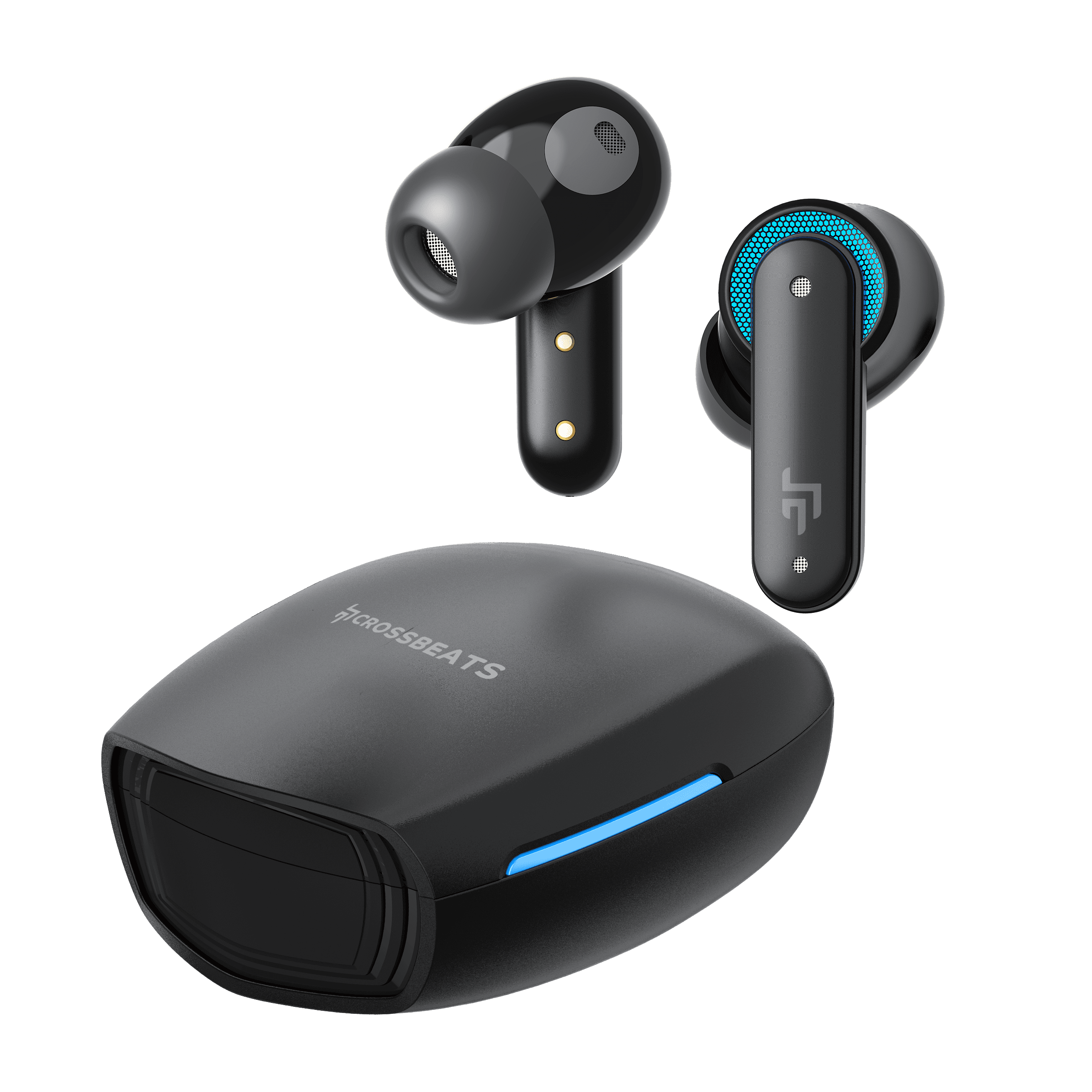
Credit: crossbeats.com
Step-by-step Troubleshooting Guide
If your Crossbeats smartwatch still doesn’t charge, follow these steps.
1. Clean The Charging Contacts
Dirt is one of the most common reasons for charging failure. Both the back of your watch and the charger pins must be clean.
How to clean:
- Turn off the watch.
- Use a soft, dry cloth to wipe the contacts.
- For stubborn dirt, use a cotton swab with a tiny bit of isopropyl alcohol.
- Let everything dry before reconnecting.
Pro tip: Avoid using water or metal objects, as they can damage the contacts.
2. Inspect The Charging Cable And Dock
Cables and docks can break inside, even if they look fine outside.
- Try a different charging cable or dock if you have one.
- Check for bent pins, loose connectors, or frayed wires.
Here’s a quick comparison of signs that your charger may be faulty:
| Charger Issue | What You See | What To Do |
|---|---|---|
| Bent pins | Charger does not fit or connect properly | Replace the charger |
| Frayed cable | Cable is torn or wire is exposed | Stop using immediately, get a new cable |
| No light on charger | No indicator when plugged in | Try another power source or new charger |
3. Change The Power Source
Some USB ports or adapters do not give enough power. Try these:
- Use a different wall adapter (preferably 5V, 1A output).
- Avoid using computer USB ports or low-power adapters.
- Test with a power bank if possible.
Quick test: Plug another device (like a phone) into the same adapter to check if it charges.
4. Restart Or Reset The Watch
If your Crossbeats watch is frozen or stuck, it may not show charging even if it is.
- Long-press the power button for 10–15 seconds to force a restart.
- If possible, perform a reset from the watch’s settings menu (check your manual for steps).
- After restarting, place it on the charger again.
Note: A restart does not erase your data, but a reset may.
5. Update Firmware
Sometimes, a software glitch can stop charging. If your watch turns on with low battery, connect it to your phone, open the Crossbeats app, and check for firmware updates.
- Update only when you have at least some battery.
- Do not disconnect during the update.
6. Check For Signs Of Physical Or Water Damage
If your Crossbeats smartwatch was dropped or got wet, charging circuits may be damaged.
- Look for cracks, moisture under the screen, or corrosion.
- If the watch was exposed to water, let it dry for at least 24 hours before charging.
- Do not use a hair dryer or oven to speed up drying; this can cause more damage.
If you see clear signs of damage, contact Crossbeats support.
7. Battery Health And Replacement
Rechargeable batteries lose capacity over time. If your smartwatch is over 2 years old or has been charged hundreds of times, the battery could be worn out.
Signs of a bad battery:
- Watch charges very slowly or drains quickly.
- Watch does not turn on at all, even after charging.
Battery replacement for most Crossbeats models must be done by a professional. Opening the watch yourself can void the warranty.
When To Seek Professional Help
If you’ve tried all the steps above and your Crossbeats smartwatch still won’t charge, it’s time for expert help.
- Warranty check: Most Crossbeats watches come with a 1-year warranty. Check your purchase date and contact support if you’re covered.
- Official service center: Only authorized centers have the right tools and parts.
- Proof of purchase: Keep your receipt or order details handy for warranty claims.
Trying to repair the watch yourself may cause more problems and void the warranty.

Credit: www.youtube.com
Preventing Charging Issues In The Future
Prevention is always better than cure. Here’s how to avoid charging problems:
- Keep contacts clean – Wipe the back of the watch and charger pins weekly.
- Use original chargers – Third-party chargers may damage the battery.
- Avoid overcharging – Unplug the watch once fully charged.
- Store in dry places – Keep the watch and charger away from water and sweat.
- Charge regularly – Don’t let the battery drain completely too often.
Many users don’t realize that leaving the watch on the charger overnight, every night, can shorten battery life over time.
Data Table: Common Charging Problems And Fixes
Understanding possible problems and the right fixes can save you time and money. Here’s a summary of the most common issues:
| Problem | Possible Cause | Solution |
|---|---|---|
| No charging light | Faulty cable, bad power source | Try different cable and adapter |
| Intermittent charging | Dirty contacts, loose cable | Clean contacts, check connection |
| Charging but not powering on | Drained battery, software glitch | Charge for 30+ minutes, restart watch |
| Slow charging | Low-power adapter, old battery | Use strong adapter, consider service |

Credit: www.youtube.com
Smartwatch Charging Speed Comparison
If you’re curious how Crossbeats compares with other brands for charging speed, here’s a quick look:
| Brand | Full Charge Time | Battery Life |
|---|---|---|
| Crossbeats Ignite | ~90 minutes | 5–7 days |
| Amazfit Bip U | ~120 minutes | 7–9 days |
| Noise ColorFit | ~120 minutes | 7 days |
| boAt Xtend | ~90 minutes | 7 days |
Crossbeats watches usually charge faster than some competitors, but only if the charger and cable are in good condition.
Non-obvious Insights Most Users Miss
- Charging in high humidity can lead to corrosion on the contacts, even if your watch is “water-resistant.” Always dry your watch after workouts or rain.
- Charger compatibility matters. Even if a charger “fits,” voltage and current differences can damage the internal battery or make charging unreliable. Always check the charger’s specs.
- Magnet alignment: Crossbeats watches use magnetic chargers. If the magnets are weak or dirty, they may not snap in place securely. This causes slow or no charging, but many users mistake it for a battery problem.
What Not To Do
- Don’t try to force the charger if it doesn’t fit—this can break the pins.
- Don’t open your smartwatch unless you are experienced and out of warranty.
- Don’t ignore small warning signs, like slow charging, as these often point to bigger problems coming soon.
Extra Resources
If you want to understand more about batteries and charging technology, check out this Wikipedia article on smartwatches.
Frequently Asked Questions
Why Is My Crossbeats Smartwatch Not Charging Even With A New Charger?
If a new charger doesn’t fix the problem, the issue could be with the charging contacts on your watch, the power source, or the battery. Clean the contacts, try another outlet, and if it still doesn’t work, you may need service.
How Long Should I Charge My Crossbeats Smartwatch?
Most Crossbeats smartwatches reach a full charge in about 90 minutes. Avoid charging for much longer, as overcharging can reduce battery life over time.
Can I Use Any Usb Charger For My Crossbeats Smartwatch?
It’s best to use the original charger or one with the same voltage and current rating. Using an incompatible charger can damage the battery or stop the watch from charging correctly.
What Should I Do If My Watch Gets Wet And Stops Charging?
Dry the watch completely for at least 24 hours before trying to charge. Do not use heat. If it still won’t charge, the internal parts may be damaged and need professional repair.
Is It Safe To Leave My Crossbeats Smartwatch On The Charger Overnight?
It’s generally safe, but frequent overnight charging can shorten battery life over time. Unplug the watch once it’s fully charged to protect the battery.
When your Crossbeats smartwatch is not charging, it’s easy to feel stuck. But in most cases, the problem is simple and fixable at home. Follow the troubleshooting steps above, keep your charger and watch clean, and use the right accessories.
If you still have trouble, Crossbeats support and official service centers are there to help. Taking care of your smartwatch’s battery and charger will keep it running smoothly for years.