If you own a Veev One vape and see the red light blinking, you might feel frustrated or confused. This small signal can interrupt your vaping experience, especially if you don’t know what it means or how to fix it.
The red light on your Veev One is a way for the device to communicate with you. It can signal different problems—some are easy to solve, while others might need extra care. Understanding the causes and solutions can help you enjoy your Veev One without unnecessary stress or interruptions.
In this article, we’ll break down the common reasons for the Veev One red light blinking, how to fix them, and how to prevent these issues in the future.
What Does The Veev One Red Light Blinking Mean?
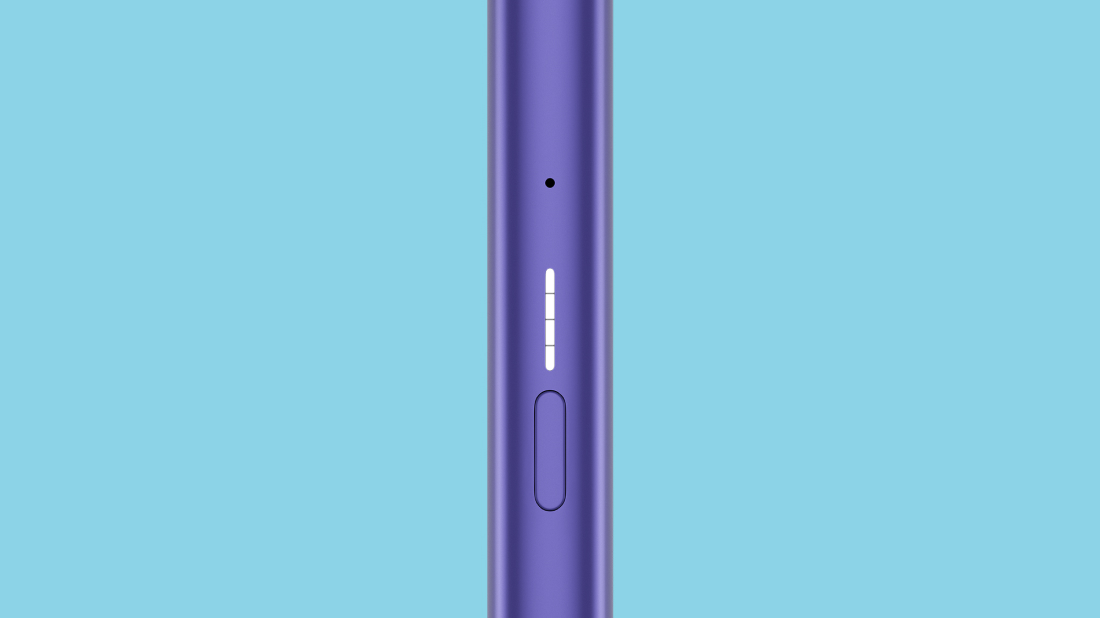
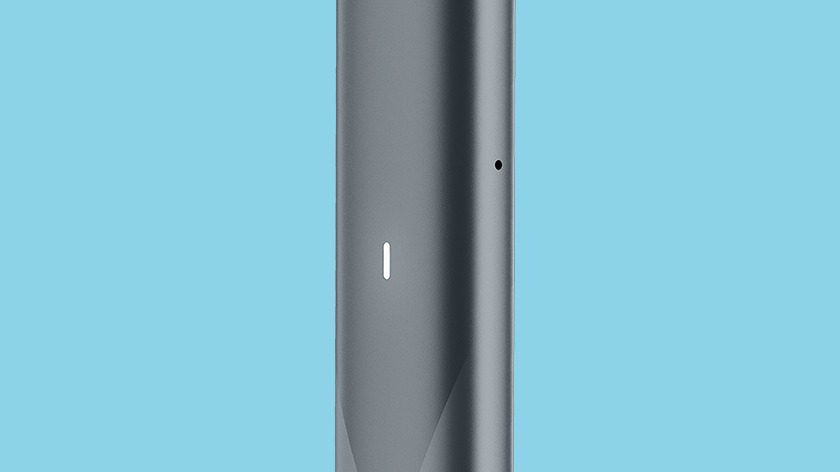
The Veev One uses a simple LED system to give you information. When the red light blinks, the device is warning you about a problem. This signal can appear in different ways—sometimes it blinks fast, sometimes slow, and the number of blinks can vary. These patterns are not just random; they help you understand what is wrong with your device.
Common Blink Patterns
- Short, fast blinking: Often points to a quick fix, like a loose pod.
- Slow, steady blinking: Can signal a more serious problem, such as a battery or internal error.
- Single or multiple blinks: The number of blinks can help identify the specific issue.
Main Reasons For Veev One Red Light Blinking
Several problems can cause the red light to blink on your Veev One. Here are the most common reasons:
- Low battery
- Pod not detected
- Pod connection dirty or damaged
- Device overheating
- Software or system error
- Short circuit or hardware fault
Let’s look at each cause in detail.
1. Low Battery
One of the most frequent reasons for a blinking red light is low battery. When your Veev One battery is about to run out, the device warns you so you can recharge it. Some users overlook this simple cause, especially if they vape often and forget to charge regularly.
Solution
- Plug your Veev One into the charger.
- Wait until the light turns green or stops blinking before using it again.
- Make sure the charging cable and port are clean and undamaged.
2. Pod Not Detected
If the pod is not correctly inserted or the device cannot recognize it, the red light will blink. This can happen if the pod is loose, the contacts are dirty, or you’re using a non-compatible pod.
Solution
- Remove the pod and check for dust or residue.
- Re-insert the pod firmly until you hear a click.
- Try a different pod if the issue continues.
3. Pod Connection Dirty Or Damaged
Residue from e-liquid, dust, or pocket lint can block the connection between the pod and device. Even a small amount can stop the Veev One from working properly.
Solution
- Use a dry cotton swab or tissue to clean the pod’s metal contacts and the device’s connection area.
- Do not use water or cleaning sprays.
- Check for visible damage; replace the pod if needed.
4. Device Overheating
Vaping too much in a short time can cause the device to heat up. The Veev One protects itself by blinking red and stopping until it cools down.
Solution
- Put the device aside for 5–10 minutes.
- Avoid chain vaping (using the device continuously without breaks).
- Use the device in a cool, dry place.
5. Software Or System Error
Rarely, a software glitch or system error can cause the red light to blink. This usually happens after a failed firmware update or a sudden power loss.
Solution
- Restart the device by removing the pod and waiting 30 seconds, then reinserting it.
- If your device supports a reset, follow the official reset instructions.
- Update the device firmware if an update is available.
6. Short Circuit Or Hardware Fault
A short circuit or a serious hardware problem is less common but more serious. This may happen if the device was dropped, exposed to water, or has an internal defect.
Solution
- Stop using the device if you smell burning or feel heat.
- Do not try to open or repair the device yourself.
- Contact Veev customer support for advice or warranty service.
How To Fix A Blinking Red Light: Step-by-step Guide
Sometimes the cause is not obvious. Here’s a clear process to help you find and fix the problem quickly.
- Check the battery: Plug in and charge for at least 30 minutes.
- Inspect the pod: Remove and check for dirt, residue, or damage.
- Clean the contacts: Gently wipe both the device and pod contacts.
- Try another pod: Sometimes the pod itself is faulty.
- Let it cool: If you have been vaping a lot, wait for a few minutes.
- Restart or reset: Remove the pod, wait, and reinsert. If the device allows, perform a reset.
- Contact support: If the red light keeps blinking, reach out to Veev.
Comparison Of Veev One Red Light Causes
To help you understand how different problems show up, compare the main causes in this summary:
| Issue | Blink Pattern | Common Solution |
|---|---|---|
| Low Battery | Fast, continuous | Recharge device |
| Pod Not Detected | 3 slow blinks | Reinsert or clean pod |
| Dirty Contacts | Random blinks | Clean contacts |
| Overheating | Solid red or slow blink | Let device cool |
| System Error | Irregular pattern | Restart or reset |
| Hardware Fault | Rapid flashing | Contact support |
Credit: www.veev-vape.com
Practical Tips To Prevent Veev One Red Light Blinking
Many users can avoid red light problems with a few simple habits.
- Charge regularly. Don’t wait until the battery is completely empty.
- Keep contacts clean. Wipe the pod and device contacts every few days.
- Use only compatible pods. Third-party or fake pods can cause errors.
- Avoid liquid leaks. Replace pods if you see leaks.
- Store device safely. Keep away from water, dust, and extreme heat.
- Update firmware. If your device allows updates, keep it current.
Example: Cleaning Frequency Table
Here’s how often you should clean different parts of your Veev One for best performance:
| Part | Recommended Cleaning |
|---|---|
| Pod contacts | Every 2–3 days |
| Device contacts | Weekly |
| Device exterior | As needed |
When To Replace Your Veev One Or Pod
Some problems cannot be fixed by cleaning or charging. Knowing when to replace your device or pod saves time and avoids frustration.
Signs Your Pod Needs Replacement
- Burnt taste during use
- No vapor produced, even with a full charge
- Pod leaks or cracks visible
Signs Your Device Needs Replacement
- Red light blinks after every fix
- Physical damage to the device (cracks, broken buttons)
- Frequent overheating even with normal use
- Battery does not charge or drains too quickly
Common Mistakes That Trigger Red Light Problems
Even experienced users can make errors that cause the red light to blink.
- Using wet cleaning materials. Only use dry swabs for cleaning contacts.
- Forcing pods into place. Never use excessive force; it can damage connectors.
- Ignoring early warning blinks. A single red blink is a warning—don’t wait for a total failure.
- Storing device in pockets with coins or keys. Metal objects can cause shorts.
Veev One Vs. Other Vape Devices: Error Signals
How does the Veev One’s red light system compare to similar vape devices? Here’s a quick comparison:
| Device | Error Signal | Ease of Fixing |
|---|---|---|
| Veev One | Blinking red light | Easy to moderate |
| JUUL | Blinking white or red | Easy |
| RELX | Blinking red or blue | Easy |
| IQOS | Multiple light colors | Moderate |
Veev One’s system is simple, but it’s important to learn what each blink pattern means. Other devices may use different colors or combinations, so always check the manual for your specific model.
When To Contact Support
If you have tried all the fixes above and your Veev One still blinks red, it’s time to get professional help. Contact Veev customer support for further guidance. Have these details ready:
- Purchase date and place
- Device serial number
- Description of the problem
- Steps you have already tried
Most Veev One devices come with a warranty, so you may get a free repair or replacement if the problem is not your fault.
Why Red Light Issues Are Important
A blinking red light is not just an inconvenience; it’s a safety feature. It protects you from overheating, battery failure, or electrical problems. Ignoring these signals can damage your device or even cause injury. Always stop using the device if you notice strange smells, heat, or smoke.
Safety should always come first.
Frequently Asked Questions
What Should I Do First If My Veev One Shows A Blinking Red Light?
Start by charging your device fully. If the light keeps blinking, check and clean the pod contacts, reinsert the pod, and let the device cool if it feels warm. Try these basic steps before considering more advanced fixes.
Credit: gr.iqos.com
Can I Use My Veev One While It’s Blinking Red?
No. The blinking red light means the device has a problem. Continuing to use it can make the issue worse or even damage your device. Always fix the cause of the blinking first.
How Do I Clean The Contacts Safely?
Use a dry cotton swab or a soft tissue. Gently wipe the metal contacts on both the pod and the device. Never use water, alcohol, or cleaning sprays, as these can cause damage.
Is It Safe To Use Non-official Pods In My Veev One?
It is not recommended. Non-official or counterfeit pods may not fit properly or could cause errors, leaks, or even short circuits. Always use genuine Veev One pods for best performance.
Where Can I Find More Help Or Warranty Information?
Visit the official Veev website or your country’s Veev customer support page. You can also check trusted resources like Wikipedia’s vaping article for more general information.
Getting a blinking red light on your Veev One can be annoying, but it’s usually easy to solve. With a few simple checks and regular care, you can keep your device running smoothly and enjoy your vaping experience without interruption.
Credit: www.veev.id