If you’ve noticed the red light blinking on your Kidde smoke alarm, you might be worried or confused. Is it an emergency? Is your alarm working right? Understanding what these signals mean can make your home safer, reduce false alarms, and give you peace of mind. This guide explains why the Kidde smoke alarm red light blinks, what it means for your safety, and how to respond.
What Does The Red Light On A Kidde Smoke Alarm Mean?
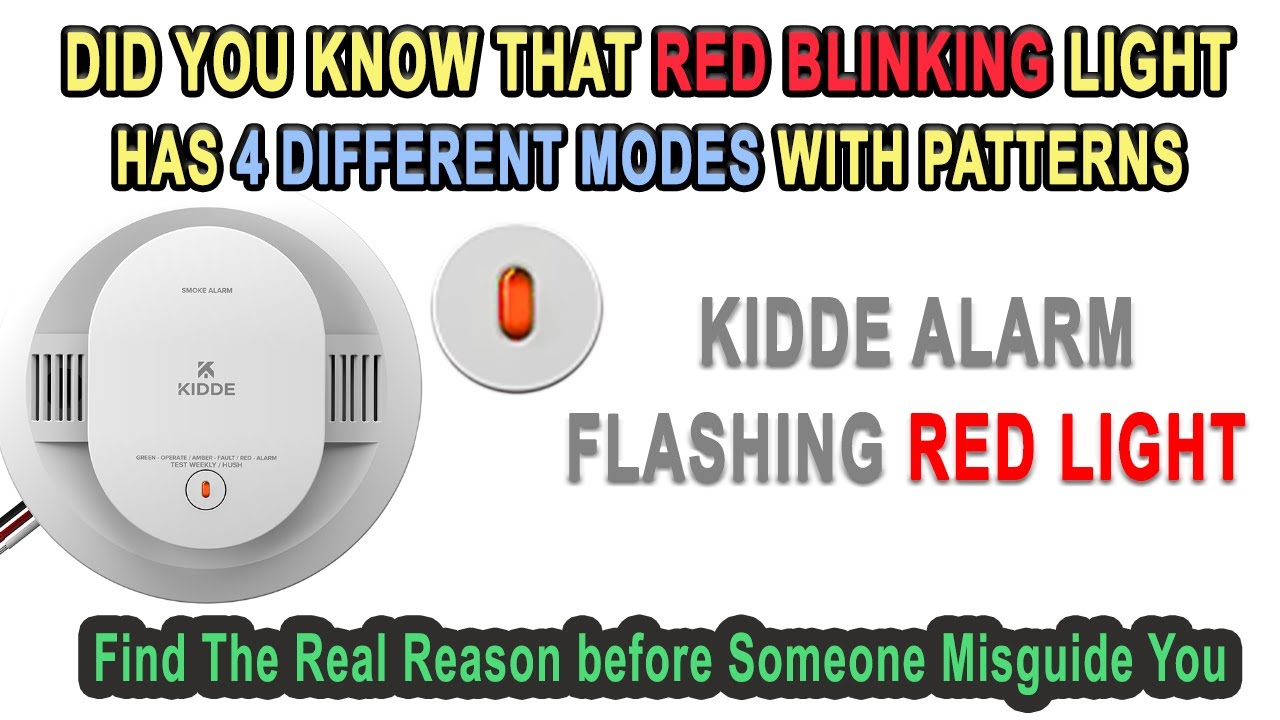
The red light is not just decoration. It is a key part of the alarm’s communication system. Most Kidde smoke alarms use a red LED light to signal different statuses. The meaning of the red light depends on the pattern—how often and how fast it blinks. Sometimes it can show normal operation, other times it warns of danger or a device issue.
Common Red Light Patterns
Here are the most frequent red light behaviors you might see on a Kidde smoke alarm:
- Blinking every 30-40 seconds: This usually means the alarm is working properly.
- Blinking rapidly (once per second or faster): Usually signals smoke or fire detected.
- Solid red light: Alarm is sounding or was just silenced.
- No red light: Could mean the alarm is powered off or malfunctioning.
Understanding these patterns is essential for interpreting what your smoke alarm is telling you.
Why Do Kidde Smoke Alarms Blink Red?
Kidde smoke alarms blink red for several reasons, and not all of them mean danger. Here are the main causes:
- Normal operation: A single red blink every 30–40 seconds means the device is active and monitoring.
- Alarm memory: After an alarm, the red light might flash to show the device has detected smoke recently.
- Test mode: Pressing the test button will cause the red light to blink rapidly.
- Low battery warning: Some models will flash red and beep if the battery is low.
- Malfunction: Unusual blinking patterns can signal a problem.
Let’s break these down with more detail.
Normal Operation
In most Kidde models, a single red flash every 30–40 seconds is a good sign. It means the smoke alarm is powered and working as it should. This feature is called the “power indicator”.
Alarm Or Fire Detected
If you see a rapid red blink (around once per second) and hear a loud alarm, this means smoke or fire is detected. Leave your home and call emergency services if you are not sure what caused the alarm.
Alarm Memory
After an alarm, Kidde smoke detectors often keep blinking red every 16–60 seconds for several hours. This is the alarm memory feature. It helps you know which alarm was triggered if you have several in your home.
Testing The Alarm
When you press the test button, the alarm will beep and the red light will blink rapidly. This shows that the alarm can sound and the light works.
Low Battery Or Fault
A red light blinking together with a chirping sound often means low battery or device fault. In this case, replace the battery or the unit as soon as possible.

Credit: www.wikihow.com
How To Identify Your Kidde Smoke Alarm Model
Not all Kidde smoke alarms behave exactly the same way. Some are battery-powered, others are hardwired, and many have slightly different light and sound signals. To avoid confusion, check your model number. You’ll usually find it on the back or side of the device.
Here’s a quick comparison of common Kidde smoke alarm types:
| Model Type | Power Source | Red Light Pattern (Normal) |
|---|---|---|
| Battery-Powered | 9V or AA battery | Blinks every 30-40 sec |
| Hardwired | AC power + backup battery | Blinks every 40 sec |
| Combination Smoke/CO | Varies | Blinks every 60 sec |
Check the user manual for your specific Kidde alarm for the most accurate information.
What To Do When The Red Light Blinks
If you see the red light blinking, your next steps depend on the pattern and whether the alarm is also sounding.
If It’s A Normal Blink
- No action is needed. This means your alarm is operating as expected.
If There’s Rapid Blinking And Alarm Sound
- Leave immediately if you smell smoke or see fire.
- If you’re sure it’s a false alarm, ventilate the area and silence the alarm.
- Do not remove batteries or power unless you are sure there is no real danger.
If You Hear Chirping
- Replace the battery if it’s a battery-powered model.
- For hardwired models, check the backup battery and main power.
- If chirping continues after new batteries, the unit may need replacing.
If It’s Blinking After An Alarm
- Press the test/reset button to clear the alarm memory.
- Clean the alarm if there’s dust or cobwebs.
If The Blinking Is Unusual
- Unusual blinking (not in the manual) can signal a malfunction.
- Replace the unit if it’s over 10 years old.
Credit: www.youtube.com
How To Reset A Kidde Smoke Alarm
Sometimes the red light keeps blinking even after you fix the problem. In these cases, resetting the alarm can help. Here are the steps:
- Turn off power (for hardwired models) at your circuit breaker.
- Remove the alarm from its mount.
- Take out the battery.
- Press and hold the test button for 15–20 seconds.
- Reinstall the battery and remount the alarm.
- Turn power back on.
Test the alarm again. If the red light returns to normal, you’ve solved the issue.
Common Mistakes When Reading The Red Light
Many people misunderstand what the red blinking light means. Here are some mistakes to avoid:
- Ignoring the pattern: Not all blinks mean the same thing.
- Assuming all red lights are bad: A slow blink usually means normal operation.
- Forgetting to check the model: Signals vary by type and year.
- Not cleaning the alarm: Dust can block sensors and cause false alarms or odd blinking.
- Not replacing old alarms: All smoke alarms expire, usually after 8-10 years.
When To Replace Your Kidde Smoke Alarm
Smoke alarms do not last forever. Even if the red light is blinking normally, you should replace your alarm every 10 years. Some newer Kidde models have a built-in end-of-life warning—a special blinking pattern with chirps.
Here’s how the replacement timeline compares:
| Model | Expected Lifespan | End-of-life Signal |
|---|---|---|
| Standard Smoke Alarm | 10 years | Red light + chirping |
| Smoke/CO Combo | 7-10 years | Unique pattern per model |
| Older Models | 5-7 years | May not have signal |
Always check the manufacturing date, usually on the back of the alarm. If your unit is older than its recommended life, it’s time for a new one.
How To Test And Maintain Your Kidde Smoke Alarm
Regular testing and maintenance keep your alarm reliable. Here’s what to do:
- Test the alarm monthly: Press the test button until you hear the alarm.
- Change batteries every year (if not sealed models).
- Vacuum the alarm: Remove dust every 6 months.
- Check the red light: Confirm it’s blinking in the normal pattern.
- Replace old units: Every 10 years, or sooner if the alarm fails a test.
Practical Tips
- Use a calendar reminder for monthly tests.
- Mark the alarm’s install date with a marker on the unit.
- If you have high ceilings, use a broomstick to press the test button.
Credit: www.kidde.com
Troubleshooting Unusual Red Light Blinking
If you see a red blinking pattern you don’t recognize, try these steps:
- Consult the manual: Each pattern has a meaning.
- Replace the battery: Low power can cause strange signals.
- Reset the alarm: Follow the steps above.
- Clean the unit: Dust buildup can confuse sensors.
- Contact Kidde support: If the problem continues, call Kidde or visit their website.
Real-world Example: What Homeowners Experience
Imagine you install a new Kidde smoke alarm. For the first week, you notice a red light blinking every 30 seconds. You worry—is something wrong? But after checking the manual, you learn this is normal. Months later, you hear a chirp and see the red light blinking faster.
You change the battery, and the problem goes away.
A neighbor ignores their alarm’s rapid blinking and chirping. Weeks later, the alarm fails during a small kitchen fire. The lesson: paying attention to the red light can make a big difference in safety.
Are There Differences With Other Brands?
Kidde is not the only smoke alarm brand, and not all alarms use the same signals. For example, some First Alert models use green lights for power and red only for alarms. Always check your specific device’s instructions.
Here’s a quick comparison:
| Brand | Normal Power Signal | Alarm Signal |
|---|---|---|
| Kidde | Red blink every 30-60 sec | Rapid red blink + alarm |
| First Alert | Green solid or blink | Red solid or rapid blink |
| BRK | Green or red blink | Red rapid blink + alarm |
Understanding your model’s signals is key to home safety.
Why Paying Attention To The Red Light Matters
The red blinking light might seem small, but it’s your first signal that your smoke alarm is protecting you. Ignoring or misunderstanding it can lead to dangerous situations. On the other hand, knowing what the signals mean helps you act quickly in an emergency and avoid false alarms.
Frequently Asked Questions
Why Does My Kidde Smoke Alarm Blink Red Every 30 Seconds?
A red blink every 30 seconds usually means normal operation. Your smoke alarm is on, has power, and is monitoring for smoke.
Is A Flashing Red Light On My Kidde Smoke Alarm Dangerous?
Not always. A slow red blink is normal, but rapid blinking with beeping means smoke or a fault. Always check the pattern and your user manual.
How Do I Stop My Kidde Smoke Alarm From Blinking Red?
You cannot and should not stop the normal red blink. If it’s blinking rapidly or with a chirp, solve the cause (like replacing the battery or fixing a fault).
What Does It Mean If My Kidde Smoke Alarm Has A Solid Red Light?
A solid red light means the alarm is sounding or just silenced after detecting smoke. Check for fire or smoke, and reset the alarm if safe.
Where Can I Find More Information About Kidde Smoke Alarms?
Visit the official Kidde site or trusted resources like the U.S. Consumer Product Safety Commission for more details.
Paying attention to the Kidde smoke alarm red light blinking keeps you and your family safer. Know what each signal means, maintain your alarms, and you’ll be prepared for any situation.