If you own a Sony Bravia TV, you might notice a blinking red light below the screen. This warning light can appear for different reasons, and the number of blinks is an important clue to what is wrong. Understanding these red light blinking times can help you fix issues faster, avoid stress, and possibly save money. Many users feel confused when their TV suddenly stops working and shows a blinking pattern. This guide explains what each blinking sequence means, how you can respond, and common mistakes to avoid. By the end, you’ll know how to handle Sony Bravia red light blinks with confidence.
What Is The Sony Bravia Red Light Blink Code?
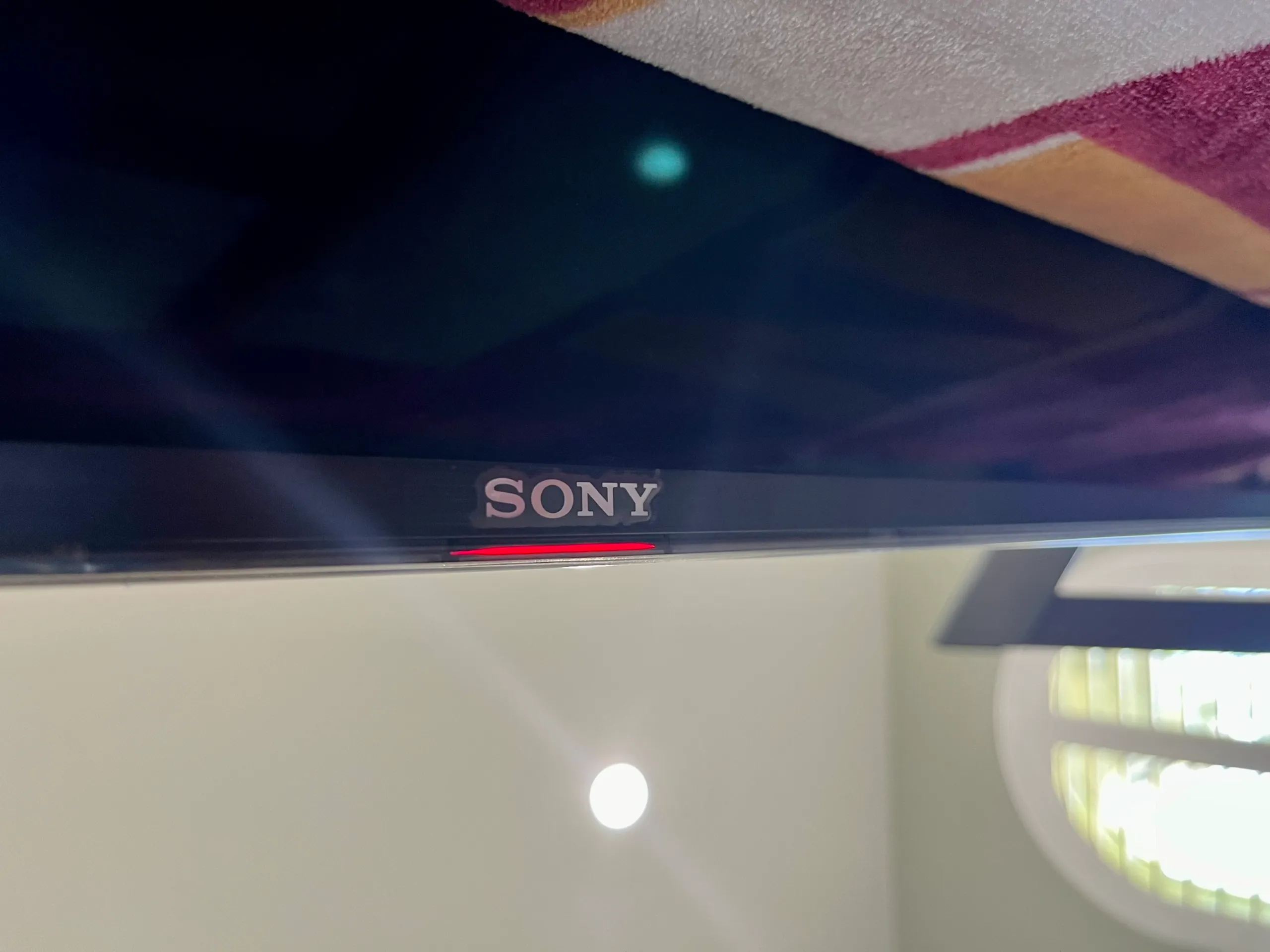
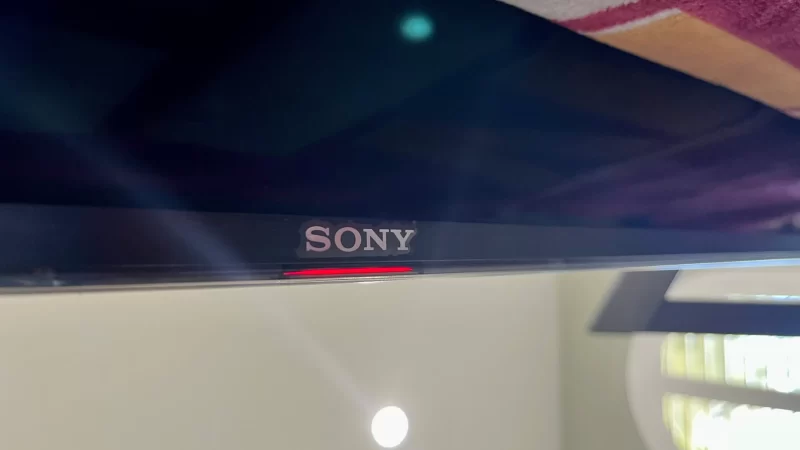
Sony Bravia TVs use a system of red light blink codes to tell you about hardware or software problems. When the TV senses a problem, it turns off and blinks a red light a certain number of times. Each code signals a different issue, like a bad power board, faulty LED, or overheating. This system helps you or a technician find the cause faster.
You should count the number of times the red light blinks before pausing. For example, if the light blinks five times, pauses, then repeats, that’s a “five-blink code. ” This count matters—different numbers mean different problems.
Common Red Light Blinking Times And What They Mean
Understanding the most frequent blink codes can save you time. Here are the typical blink codes for Sony Bravia TVs:
| Blink Count | Likely Cause | Can You Fix It? |
|---|---|---|
| 2 | Power board failure | Sometimes |
| 3 | Main board problem | Rarely |
| 4 | LED driver issue | Sometimes |
| 5 | Panel failure | No |
| 6 | Overheating | Yes |
| 7 | Temperature sensor error | Rarely |
| 8 | Audio board failure | Rarely |
| 10+ | Unknown hardware error | No |
Example: Five Blinks
If your Sony Bravia blinks five times, it often means the TV’s display panel is damaged. This is serious and usually needs professional help. Attempting to fix this yourself can make things worse.
Example: Two Blinks
A two-blink code can mean a power supply issue. Sometimes, unplugging the TV for 60 seconds, then plugging it back in, resets the board. But if the problem repeats, parts may need replacing.
Credit: silveretechs.com
How To Respond To Red Light Blink Codes
When your TV shows a red light blink, don’t panic. Follow these steps:
- Count the blinks carefully. Watch for the pattern—how many blinks before a pause.
- Turn off and unplug the TV. Wait at least one minute. Plug it back in and turn it on.
- Check for obvious issues. Make sure the TV is not overheating and that the vents are clear.
- Look up the blink code using your model number. Sony’s official website lists codes for different models.
- Try a factory reset. If the TV turns on, go to Settings > Device Preferences > Reset.
- Call Sony support if the problem stays. Give them the blink count and model number.
Practical Example
Imagine your TV blinks six times. This usually means overheating. Clean out dust from vents, make sure the TV is not near heaters, and leave space around it. If the blinking stops, you solved it. If not, a sensor or board may need replacement.
Sony Bravia Models And Blinking Code Differences
Not all Sony Bravia TVs use the same codes. Older models may use different blink patterns or meanings. Newer smart TVs (Android or Google TV) often have more detailed codes.
Here’s a comparison of blinking codes across models:
| Model Type | Common Blink Codes | Extra Features |
|---|---|---|
| LCD (pre-2010) | 2, 5, 6 | Basic error info |
| LED (2010-2016) | 2, 3, 4, 6 | More detailed codes |
| Android/Google TV (2017+) | 2-8, 10+ | App error logs |
Non-obvious insight: Some newer Sony Bravia TVs can show extra error messages on-screen if you press certain button combinations (like holding Power + Volume Down). This can help diagnose issues beyond the blink code.
Troubleshooting Steps For Each Blink Code
Let’s break down what to do for each common blink code:
2 Blinks: Power Board Failure
- Unplug the TV, wait 1 minute, and plug back in.
- Check if the outlet works by plugging in another device.
- If the problem remains, the power board may need replacement.
3 Blinks: Main Board Problem
- Try a hard reset (hold Power button for 10 seconds).
- Remove all HDMI devices and restart.
- If unchanged, call a technician.
4 Blinks: Led Driver Issue
- Check for flickering or dim screen.
- Clean vents and ensure good airflow.
- Professional repair is often needed.
5 Blinks: Panel Failure
- Usually needs screen replacement.
- Repair cost can be high; consider warranty or replacement.
6 Blinks: Overheating
- Clean dust from vents with a soft brush.
- Move TV away from walls or heaters.
- Let it cool for 30 minutes before restarting.
7 Blinks: Sensor Error
- Rarely caused by user actions.
- Reset TV and check firmware updates.
- Professional service is recommended.
8 Blinks: Audio Board Failure
- Check external speakers and cables.
- Remove audio devices and restart.
- If audio still fails, repair is needed.
10+ Blinks: Unknown Hardware Error
- Too complex for home repair.
- Contact Sony support for guidance.
Tip: Always check warranty status before starting repairs. Sony warranties often cover main board and panel failures for up to two years.
Advanced Troubleshooting: What Beginners Miss
Many people overlook these steps:
- Update TV firmware: Sometimes, a software update fixes blink codes, especially for Android/Google TVs.
- Check surge protectors: Faulty surge protectors or power strips can cause blink codes. Plug the TV directly into the wall to test.
- Inspect cables: Damaged HDMI, power, or audio cables can trigger blink codes. Swap cables to rule them out.
Another non-obvious insight: The blinking light can also signal problems with connected devices. If your TV blinks after plugging in a new device, unplug it and restart.

Credit: www.youtube.com
How To Avoid Common Mistakes
When dealing with Sony Bravia red light blinks, avoid these errors:
- Ignoring the blink count: Always count carefully. Wrong count leads to wrong diagnosis.
- Trying to fix panel failures at home: Screen repairs are complex—DIY fixes often cause more damage.
- Skipping basic checks: Test the outlet, cables, and surge protector before assuming hardware failure.
- Not checking warranty: Repairs can be expensive. Always check if your TV is under warranty.
When To Call A Professional
Some issues are too risky or expensive to fix yourself. If you see:
- More than six blinks
- Repeated blinking after reset
- No picture or sound
- Burnt smell or visible damage
Call Sony support or a qualified technician. Attempting repairs on your own can void the warranty or cause injury.
Cost Of Repair Vs Replacement
Repair costs vary by problem. Here’s a rough guide:
| Blink Code | Repair Cost (USD) | Repair Time | Worth Repairing? |
|---|---|---|---|
| 2 | $100–$250 | 1–2 days | Yes |
| 5 | $400–$800 | 3–7 days | No (often cheaper to buy new) |
| 6 | $0–$50 | Minutes | Yes |
| 10+ | $600+ | 7+ days | No |
Panel failures (five blinks) are usually not worth repairing unless your TV is very new or under warranty. Overheating and power board issues can often be fixed cheaply.
Where To Find More Information
Sony’s official support site has detailed guides for each model and blink code. You can enter your model number and get step-by-step help. For more advanced troubleshooting, see Sony Electronics Support.
Credit: silveretechs.com
Frequently Asked Questions
What Does It Mean If My Sony Bravia Blinks Red Five Times?
Five blinks usually mean the TV’s display panel has failed. This is a serious hardware issue. Most users need professional repair or replacement.
Can I Fix A Sony Bravia Red Light Blinking Myself?
You can try basic steps—resetting, cleaning vents, checking cables—but most hardware problems need expert help. Overheating or power board errors can sometimes be fixed at home.
How Do I Count The Sony Bravia Red Light Blinks?
Watch the red light under the screen. Count each blink until there’s a pause. Then repeat the count if the pattern loops. Write down the number before calling support.
Does A Blinking Red Light Mean My Tv Is Broken?
Not always. Sometimes it means a simple problem, like overheating or loose cables. But repeated blinking after a reset can signal a hardware failure.
Is It Safe To Keep Using My Tv With A Blinking Red Light?
No. If the TV blinks and won’t turn on, don’t keep trying. It could cause more damage or risk electrical problems. Stop and follow the troubleshooting steps.
If you see your Sony Bravia’s red light blinking, don’t ignore it. The blink code is a useful tool to understand what’s wrong. With careful counting and smart troubleshooting, you can often solve minor issues yourself. For bigger problems, knowing the code helps you get faster service.
Always check your warranty and use official support when in doubt. Handling red light blink codes the right way can save time, money, and stress.